The Best Laptops for AI, Data Science & Machine Learning Students (2026)
We tested over 300 laptops across real workloads to find the best options for AI, data science, and machine learning students in 2026.
The right laptop depends on how you work. Some students rely entirely on cloud GPUs, while others train models locally and need serious GPU power.
This guide breaks down the best laptops for each workflow, from high-performance machines for local training to lightweight options for cloud-based development.
Best Laptops for Local AI Training & Heavy Workloads
These laptops are built for students who regularly train models locally and need dedicated GPU performance.
Expect higher-end GPUs, more VRAM, and stronger cooling for larger datasets and demanding workloads.
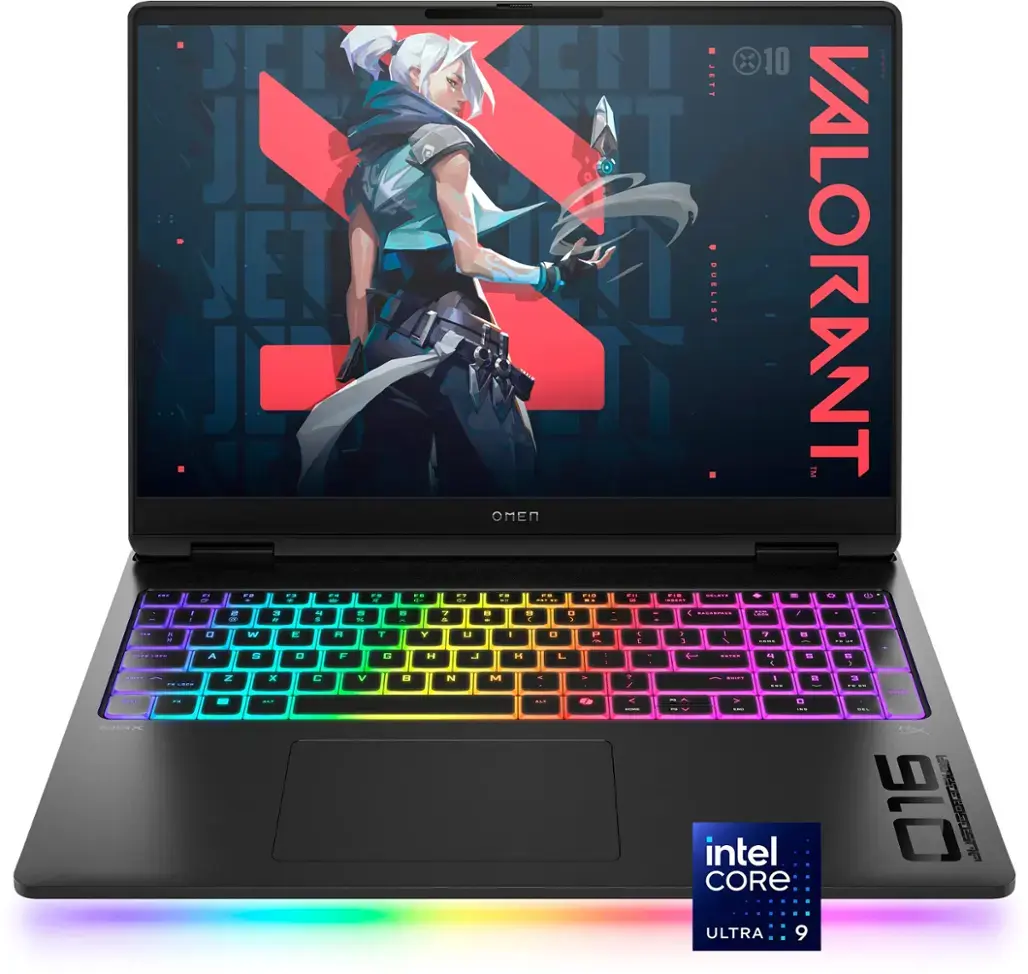
HP Omen Max 16"
Pros
- Cooling solution is impressive; minimal heat you feel
- Very little fan noise for a gaming laptop
- OLED screen is vivid with minimal screen door effect
- Keyboard RGB is stunning, color around the keys is unique to other gaming laptops
- Keyboard is comfortable to type on
Cons
- GPU performance is around the same as a laptop RTX 4090
- Sometimes feels laggy when unplugged
- Three different screen options are confusing, make sure yours is the right config when you go to buy
- Poor battery life
- Intel HX CPU with RTX 5080 or 5090 handles large datasets and demanding local model training
- Robust cooling sustains GPU performance during long training sessions
- More portable than most high-end gaming laptops
Downsides: Still bulky and louder under load
▶️ Watch our full Review of the HP Omen Max 16"
📊 See full test results (benchmarks, thermals, battery)
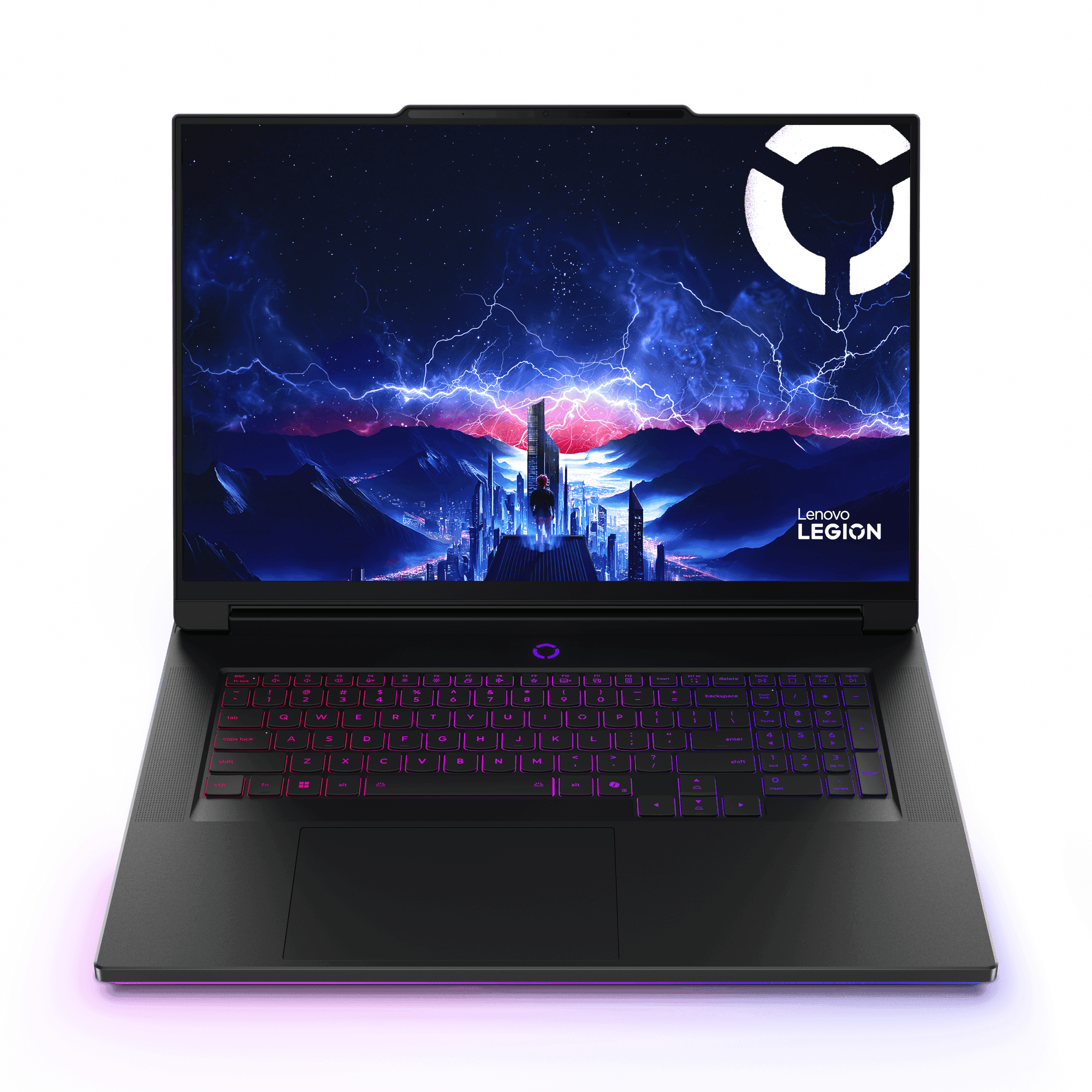
Lenovo Legion 9i 18"
Pros
- Most powerful laptop of 2025!
- Stunning 4K+ Display
- Excellent keyboard, very satisfying to type on
- Very fast ports
Cons
- Feels very warm, particularly on the left palm rest
- Intel Core Ultra 9 HX with RTX 5080 or 5090 delivers elite performance for large-scale local training
- Large chassis improves thermals and supports high-end components
Downsides: Very large and not ideal for portability
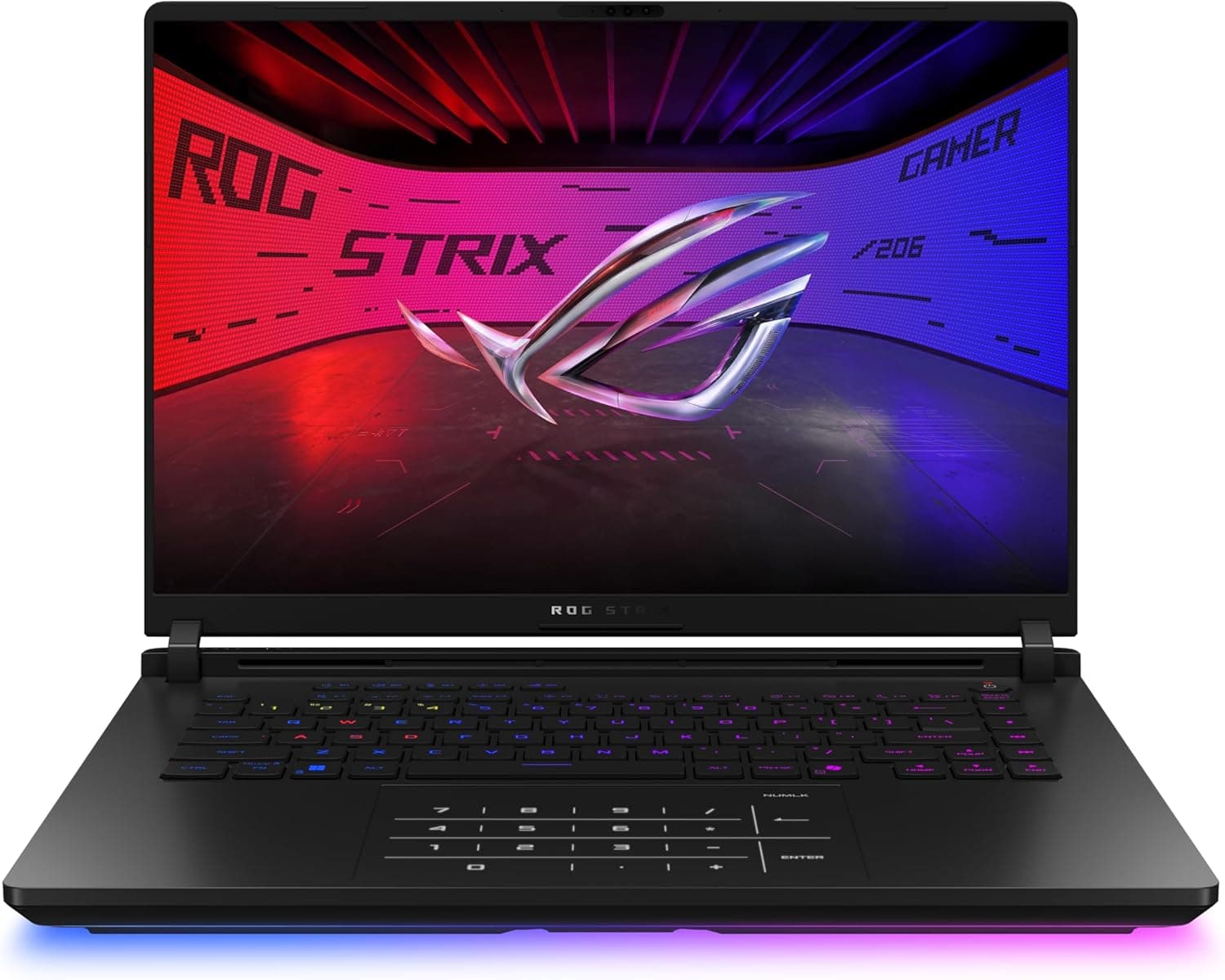
Asus ROG Strix Scar 16"
Pros
- High end components
- Feels very cool to the touch while gaming
- Exhausts hot air out the back
- Comfortable keyboard
- Great Mini-LED display
- Ports in good locations away from your mouse
Cons
- Heavy
- Like all thick laptops, you may feel it biting into your wrist a little
- Intel Core Ultra 9 with RTX 5080 or 5090 delivers top-tier performance for local training
- Advanced cooling sustains high GPU output under heavy workloads
- Strong I/O and display quality support multi-device setups
Downsides: Gaming design and higher price
Best Laptops for Hybrid AI Workflows (Cloud + Local)
These laptops are best for students who occasionally train models locally but still rely on cloud resources.
They offer a strong balance of CPU performance, memory, and optional GPU power.
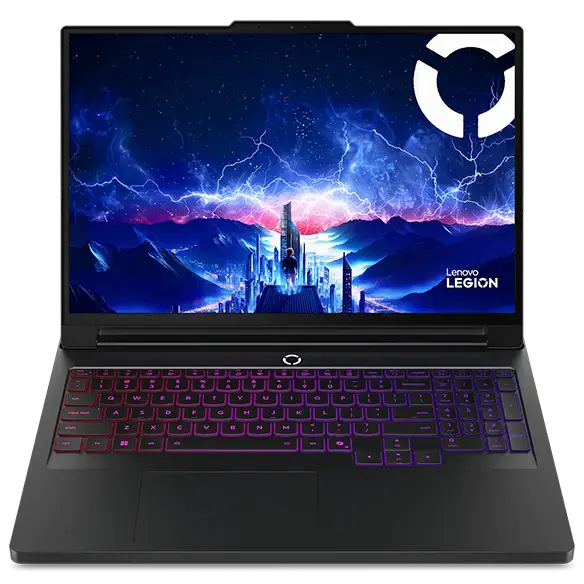
Lenovo Legion Pro 7i 16"
Pros
- OLED screen is very bright
- Keyboard is incredibly comfortable, 1.6mm key travel
- Looks cool with customizable RGB on the lid, vents, light bar, and keyboard
- Outperforms similar 16-inch laptops- makes great use of its components.
- Fan noise is quiet during light tasks
- Understated black design with some gamer elements
Cons
- Weighs over 8.5 lbs with its charger
- Mediocre trackpad
- Poor battery life
- Gets a bit warm when under load
- Ports may get in your way
- Intel Core Ultra 9 HX with RTX 5070 Ti or 5080 handles moderate local training and GPU workloads
- Decent cooling sustains performance under longer sessions
- Excellent price-to-performance compared to higher-end systems
Downsides: Heavier than ultraportables like the MacBooks
▶️ Watch our full Review of the Lenovo Legion Pro 7i
📊 See full test results (benchmarks, thermals, battery)
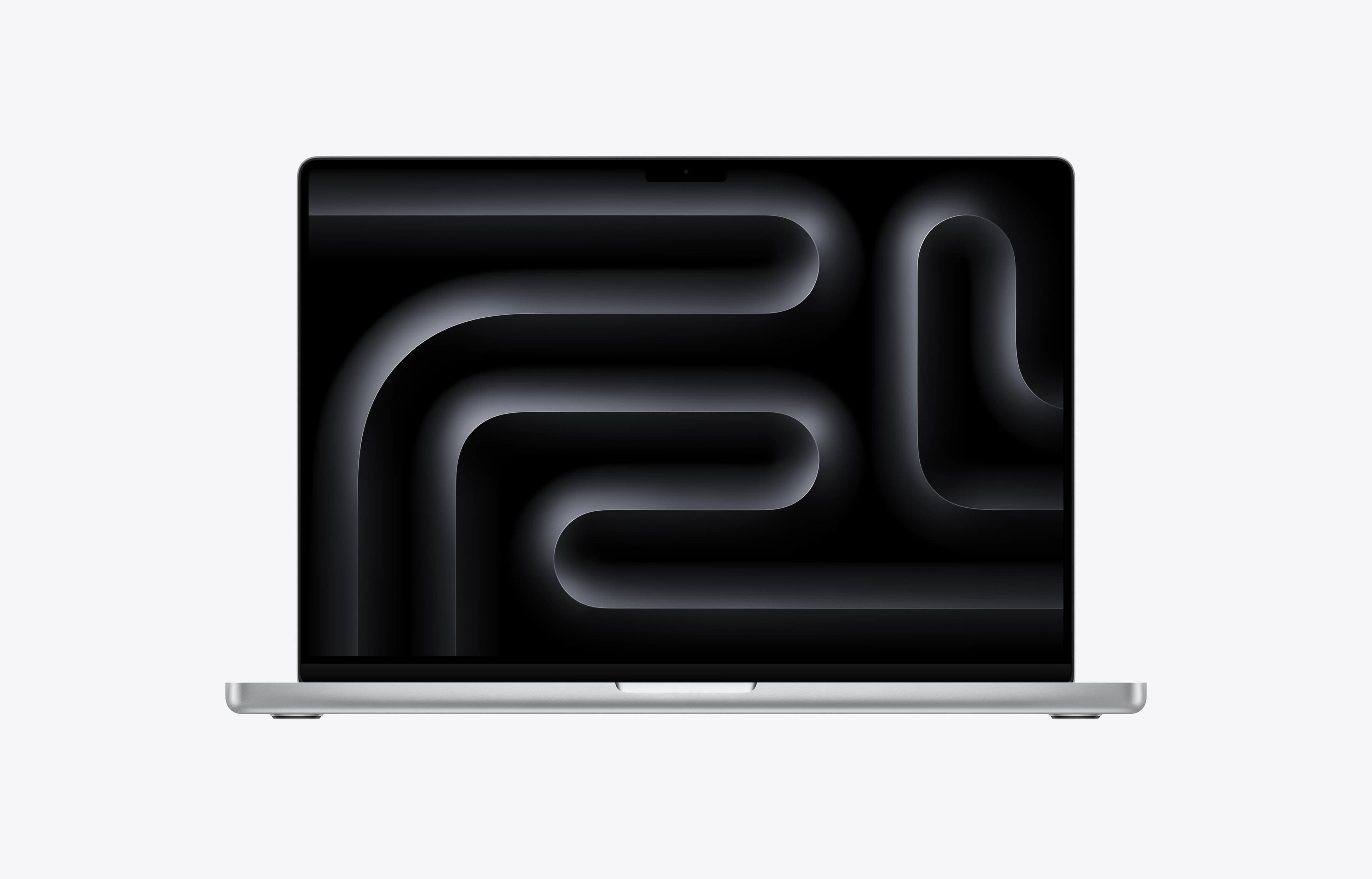
Apple MacBook Pro 16 - M5 Series
Pros
- Exceptional CPU performance, with the new M5 Pro and Max chips outperforming most Intel and AMD options in similarly portable laptops.
- Excellent for video editing, programming, audio work, and other CPU-heavy professional tasks.
- Very low fan noise in professional workloads compared with gaming laptops.
- Can be configured with large unified memory pools, which is useful for larger local AI models.
Cons
- CPU uplift over the previous M4 generation is not massive.
- Gaming performance still trails far behind powerful Nvidia-equipped Windows laptops.
- Upgrading from an M2 Max for video export specifically may not feel that worthwhile because Max chips already had the same two media engines.
- M5 Pro or Max delivers excellent CPU performance for coding and data processing
- Large unified memory supports bigger datasets and moderate local workloads
- Long battery life and quiet operation for extended sessions
Downsides: No CUDA support and very expensive
▶️ Watch our full Review of the Apple MacBook Pro 16 M5
📊 See full test results (benchmarks, thermals, battery)
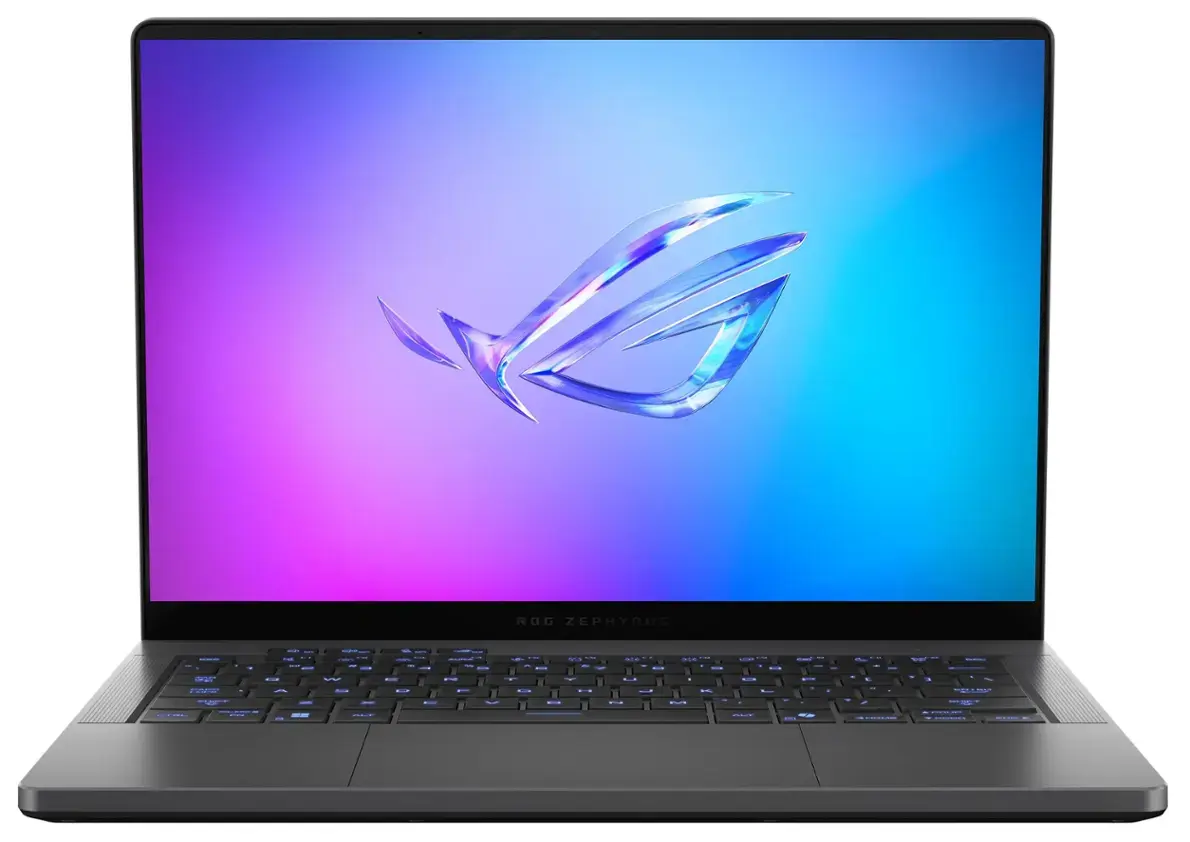
Asus ROG Zephyrus G16
Pros
- Fan noise is minimal for a gaming laptop
- Very light and portable for a powerful laptop with a 16 inch screen
- Display is great - OLED, Fast Refresh Rate, High Resolution, G Sync, Advanced Optimus
- Great speakers
- Battery life is good for a gaming laptop
Cons
- GPU does not run at full wattage. The RTX 5080 and 5090 models perform poorly. Get the 5070 Ti
- Keyboard doesn't feel as comfortable as the Razer Blade 16
- Webcam is grainy
- Intel Core Ultra 9 with RTX 5070 Ti handles mid-range AI workloads
- Lightweight design with solid battery life for hybrid workflows
- OLED display and quieter operation improve long-session usability
Downsides: Less powerful than thicker gaming laptops
▶️ Watch our full Review of the Asus ROG Zephyrus G16
📊 See full test results (benchmarks, thermals, battery)
Best Laptops for Cloud-Based AI & Lightweight Workflows
These laptops are ideal if most of your AI and machine learning work runs on cloud GPUs like Google Colab or AWS.
You don’t need a powerful GPU here. Instead, focus on CPU performance, battery life, and portability.
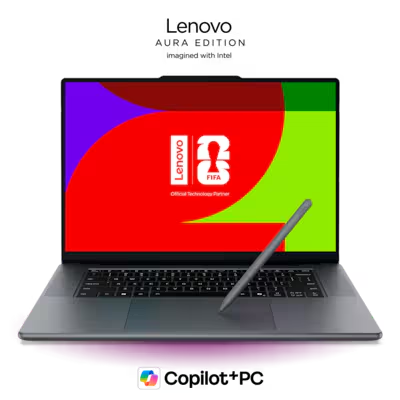
Lenovo Yoga Pro 9i 16" Aura Edition
Pros
- Very premium, well-rounded laptop with strong CPU and GPU performance in a portable 16-inch machine.
- Excellent, very bright 16-inch tandem OLED display with sharp 3200 x 2000 resolution, 120Hz refresh rate, and near-perfect color coverage.
- Outstanding keyboard with great travel, satisfying click, premium feel, and centered layout now that the numpad is gone.
- Haptic trackpad is a welcome upgrade and supports pen input.
- Excellent speakers, easily as good as the MacBook Pro 16’s.
- 2 upgradeable SSD slots.
Cons
- Very expensive, especially compared with last year’s model.
- CPU is completely outclassed by Apple’s M5 Pro and Max chips in this class.
- GPU is only midrange for the price and is not fed full wattage.
- Display is extremely reflective, even more so than the glossy MacBook Pro display.
- Intel Core Ultra 9 with RTX 5060 supports data science workflows and light local training
- High-quality OLED display and strong keyboard for coding and analysis
- Design balances portability and performance
Downsides: GPU is limited for heavier local workloads
▶️ Watch our full Review of the Lenovo Yoga Pro 9i 16" Aura Edition
📊 See full test results (benchmarks, thermals, battery)
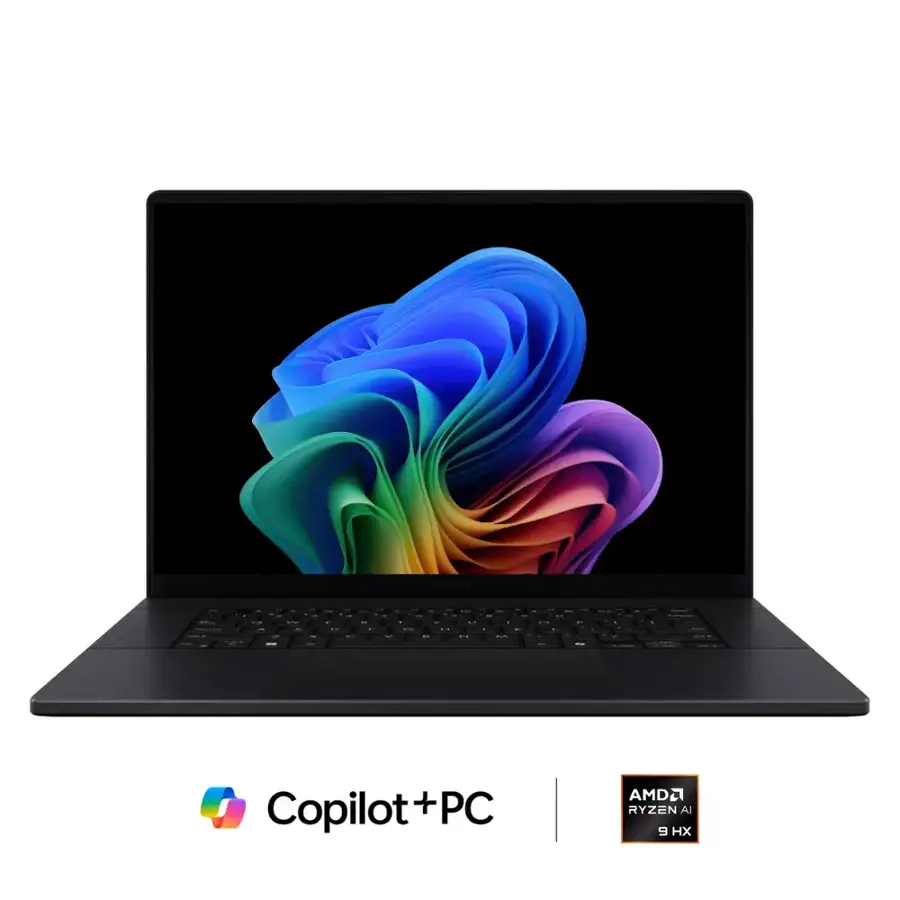
Asus ProArt P16
Pros
- 5090 version is a standout with its Tandem OLED panel and great performance
- High resolution and high refresh rate screen options
- Excels in creator tasks
- Games decently well
- Comfortable keyboard
- Never gets too hot
Cons
- 5070 versions are not as competitive, <400 nit screens and lesser performance
- Some fan noise even in lighter use
- Less efficient than a MacBook Pro
- Average battery life
- Always a little warm
- Ryzen AI 9 HX 370 with RTX 5070 supports data science and moderate local training
- High-resolution OLED display is ideal for data visualization
- Strong thermals maintain comfort during longer sessions
Downsides: Expensive for its components due to how premium it is
▶️ Watch our full Review of the Asus ProArt P16
📊 See full test results (benchmarks, thermals, battery)
Final Thoughts
Choosing the right laptop for AI, data science, and machine learning comes down to how you work.
If you rely on cloud platforms, you don’t need to overspend on GPU power. If you plan to train models locally, investing in a high-performance laptop with a strong GPU and good cooling will make a meaningful difference.
All of the laptops in this guide were selected based on real-world testing across performance, thermals, and long-term usability.
If you're still unsure:
- Use our Laptop Finder Quiz
- Watch for student discounts—but always check our website's price tracker to make sure it’s really the best price you can get
- Watch our full reviews on our YouTube channel. Subscribe for deeper dives and future buying guides
Start with the category that fits your workflow, and you’ll be in a strong position to choose the right laptop.