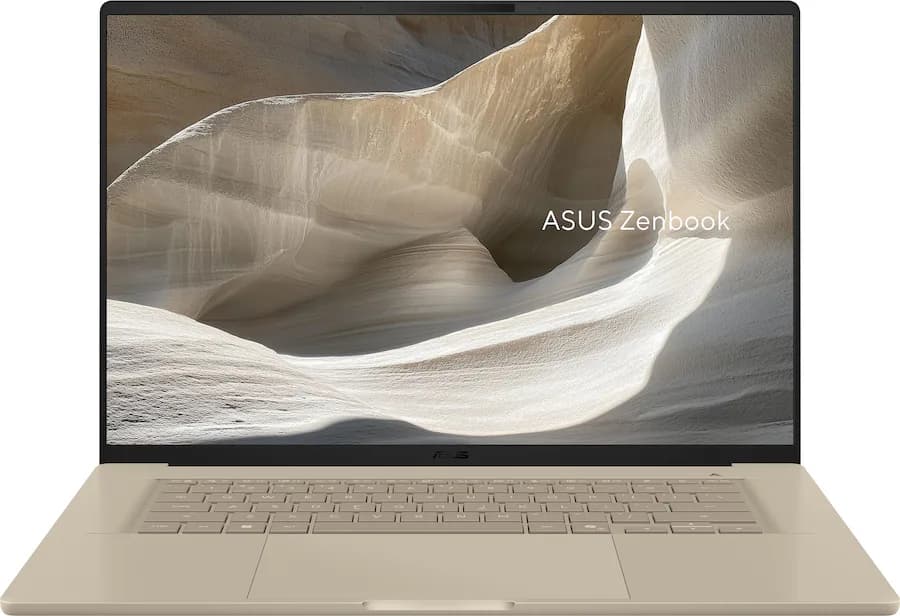
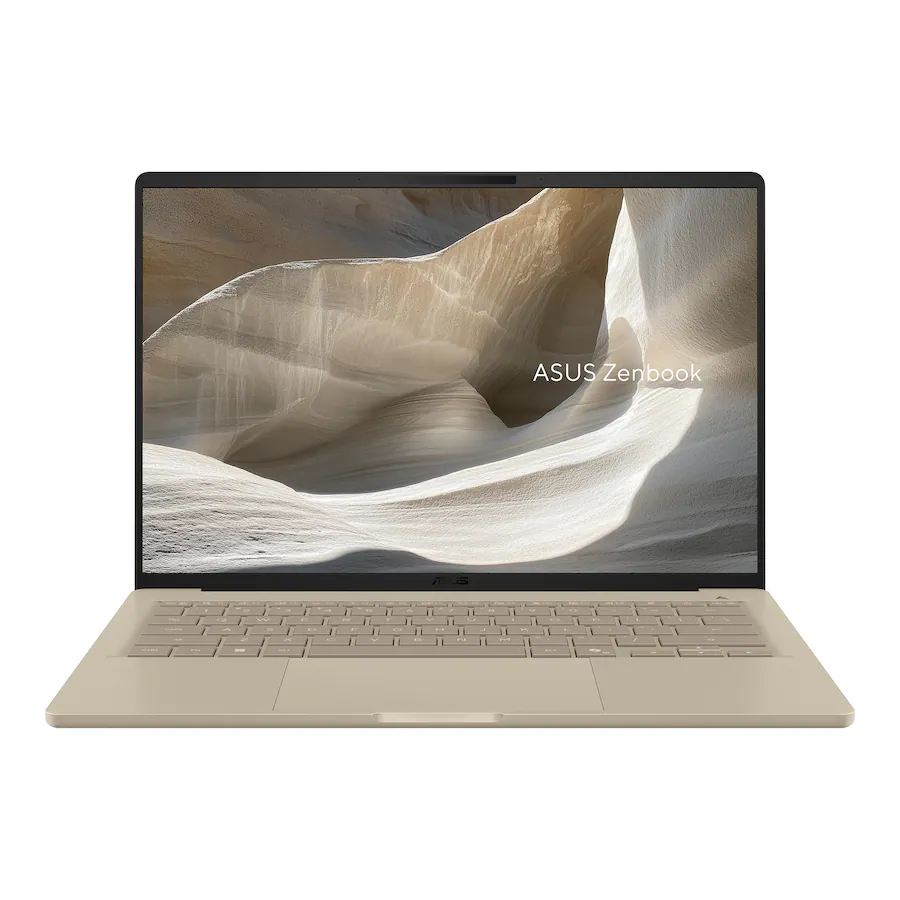
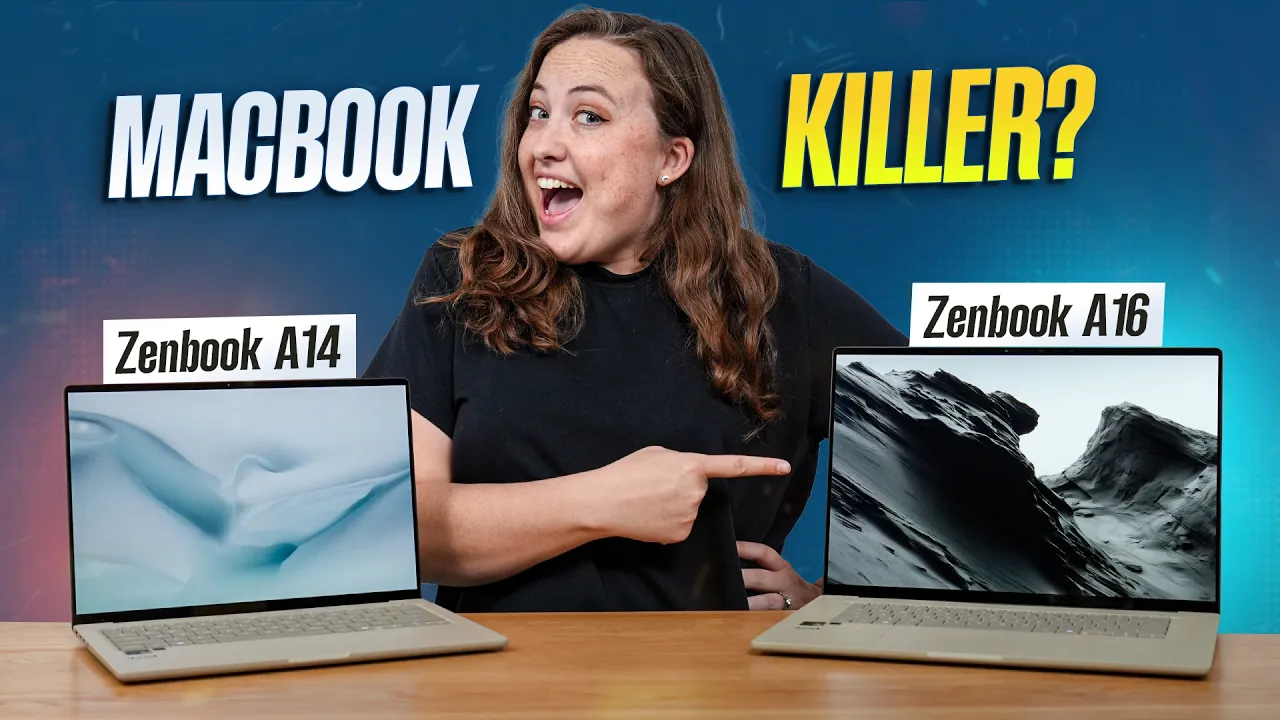
The new Zenbook A14 and A16 from Asus are among the first laptops we've tested with Qualcomm's new Snapdragon X2 chips, and there is a lot to like here. A16 in particular shows a lot of promise, delivering excellent CPU performance, a beautiful 16-inch OLED touchscreen, decent battery life, and 48GB of memory for a fair price.
The smaller Zenbook A14, though smaller still, delivers powerful CPU performance, but its display is less impressive. With the tradeoff being better battery life.
That being said, these are still Qualcomm laptops running the ARM version of Windows. Compatibility has improved substantially since the first Snapdragon X1 laptops launched. Nonetheless, it is still not perfect, with some professional apps still not running, others not running well, and the integrated GPU performance still not where we would want it to be for gaming or heavier creative work.
For most software developers, the Zenbook A16 is a very compelling laptop. The A14 is also a good option for programmers who prioritize CPU performance and battery life over display quality. But for basic home or office use, we would still point most people toward a MacBook Air instead. It offers a better all-around experience, feels more premium, and is usually cheaper.
Chassis and Build Quality
The Zenbook A14 and A16 are definitely unique in their design. The lid's speckled pattern makes them stand out in addition to their beige color, which gives them a more unusual look than the typical silver or dark. A side effect of this design choice is that the chassis is quite smudge-resistant. All in all, while unique, this color may not be to everybody's taste
Display
The Zenbook A16 has by far the better display. It comes with a 16-inch OLED panel with a 2880 x 1800 resolution, a 120Hz refresh rate, and around 500 nits of brightness. The result is a pixel density of over 200 PPI, which makes small text look crisp and sharp. This makes it suitable for anyone who wants a lot of information on the screen at once. Lastly, it also supports touch and pen input, which gives it some flexibility for light creative work.
The Zenbook 14's display, on the other hand, is less exciting. It has a 1920 x 1200 OLED panel, only refreshes at 60Hz, reaches around 400 nits, and doesn't support touch input.
We did not notice any screen door effect or obvious PWM flickering on the A16, so there are no major quality concerns with this panel. On the A14, we detected PWM flickering at lower brightness levels. That does not make it unusable, but at this price point, it is a weaker showing. A MacBook Air offers a crisper, brighter display at a similar price point.
The Zenbook A16 with the Snapdragon X2 Elite Extreme performs extremely well in CPU-heavy tasks. It pulls ahead of similarly priced Windows competitors in both single-core and multi-core performance. Apple still holds the single-core crown, but Qualcomm’s results are genuinely impressive.

Max CPU Performance Benchmark - Cinebench 2026 Single Run
Core for core, the A16 does not beat Apple’s much more expensive 18-core M5 Pro chip in the 16-inch MacBook Pro, but that is not really a fair comparison. Given laptops at a similar price, the A16 looks excellent.
The Zenbook A14 also performs very well. It beats modern Intel and AMD chips in our testing, and even pulls ahead of the base M5 10-core chip. For the price, that is a very strong result.
Efficiency is also interesting. The A16 can draw a decent amount of power when pushed, especially compared to MacBooks, but it is still more efficient than many Intel and AMD alternatives. The A14 appears to sit at a more optimal power level, getting around 83% of the A16’s performance while using only around 54% of the power.
Heat, Fan Noise, and Power Modes
The A16’s higher power draw does come with some consequences. In our CPU stress testing, the Zenbook A16 got quite warm and surprisingly loud. The A14 handled itself a bit better, but still was not amazing in this worst-case scenario.

Cinebench 2026 10-Minute Run in Each Power Mode
In normal use, the experience was better. Both laptops stayed much cooler and quieter than the Cinebench stress test would suggest. For browsing, writing, coding, and light creative work, neither laptop felt unpleasant.
One easy fix is to use the default Standard performance mode. On the A16, Standard mode still delivers around 80% of peak performance while drawing less power, producing less fan noise, and keeping the keyboard deck cooler. A score around 6,000 in that mode is still excellent for a laptop.
The A14 tells a similar story. Its Standard mode keeps most of the performance while making the laptop more comfortable to use.
The new Adreno X2-90 GPU is better than before, but it is still not especially strong. It trails behind Apple's GPUs, behind Intel's B390 integrated graphics in some cases, and gets completely outclassed by laptops with dedicated Nvidia graphics.

3DMark Steel Nomad Light - A graphics benchmark for evaluating GPU performance.
At these prices, you can buy laptops with RTX 4060- or 5060-class GPUs. That gives you far more graphics performance and a much better fit for video editing, gaming, and other GPU-heavy work. Qualcomm laptops do not have that option. You are locked into the integrated graphics, and right now those graphics just are not good enough to make these machines strong all-rounders.
What Actually Works on ARM Windows
For casual tasks, things are in pretty good shape. Web browsing, collaboration tools, office apps, and everyday productivity all worked well. Most of the common apps people use in these kinds of workflows now run natively, and for basic users, the platform feels much more mature than it did two years ago.
Programming is more mixed, but still better than you might expect. VS Code, Git, IntelliJ, and Android Studio all ran. The problem is that the Android emulator didn't run at all, which is a pretty major limitation for some developers. Linux is also still a no-go here, so that rules these laptops out for another chunk of technical users.
For photo editing, these machines do fairly well. Photoshop, Affinity, and Lightroom all ran properly, and performance was respectable. Video editing is a different story. Premiere Pro, DaVinci Resolve, and HandBrake all run, but the integrated GPU just is not powerful enough for serious editing work. If you are cutting together lighter projects, these are fine. If you are doing real production work, there are better machines for the money.
3D work is another weak area. Blender ran, but rendering behavior was odd, and performance was poor. Engineering applications were mixed, too. AutoCAD appeared to work, while SolidWorks would not even install. Audio and music workflows also showed some cracks once external hardware entered the picture, which is exactly the kind of thing that makes ARM Windows risky for buyers who depend on peripherals and specialized tools.
Gaming has improved, but it is still not where it needs to be. Yes, more games are now run than before. No, that does not make these gaming laptops. Performance is still weak, some titles still have glitches or compatibility issues, and key games like League of Legends still do not work due to anti-cheat issues.
Battery Life Is Good, but Not Untouchable
Battery life is solid, especially considering the CPU performance these laptops deliver. The Zenbook A16 lasted around 9 hours, roughly matching the MacBook Pro 14 with the M5 Pro chip. That is a decent result, though it does not match the MacBook Pro with the base M5.

Battery Rundown - Office Tasks
The Zenbook A14 lasted about 11 hours. The only laptop beating it in this comparison was the MacBook Pro 16, which has a much larger 100Wh battery.
The more impressive part is that both Zenbooks maintain strong performance while unplugged. Many Windows laptops take a major performance hit on battery, so seeing these Qualcomm systems stay competitive while still offering good battery life is encouraging.
Our Thoughts
CPU performance is now genuinely strong. Efficiency is finally competitive. More applications work properly. And for the right person, these laptops make real sense. If you are a programmer who wants high CPU performance, ample memory, long battery life, and a thin, portable chassis, the Zenbook A16 in particular is a very compelling machine.
For casual users, the MacBook Air is cheaper and easier to recommend. For creators, the MacBook Pro 14 is the better buy. For gamers, Nvidia laptops remain the obvious choice. And if you want a machine that can do a bit of everything without all the compatibility caveats, Intel’s newer Panther Lake laptops still make more sense as general-purpose Windows options.
Pros
- Stronger CPU performance than most competitors
- Lightweight for a 16-inch laptop, thereby making it easier to carry than comparable laptops of this size.
- Beautiful and sharp OLED that is both a touch screen and has a 120Hz refresh rate.
- Supports pen input.
- 48GB of RAM at the current MSRP is a major spec advantage.
- Good overall build quality with minimal flex.
Cons
- Still runs Windows on ARM, so app compatibility remains a concern.
- Hard to recommend for basic users over the MacBook Air 15, which is a better all-round experience for a lower price.
- Glossy display with not enough brightness to overcome reflections when outdoors or under harsh lighting.
- No charging support on the right side.
- Beige color and styling will not appeal to everyone.
Pros
- Excellent CPU performance for its price, outperforming modern Intel and AMD options and even Apple’s base M5 chip in some workloads.
- Very good battery life.
- Extremely portable and lightweight to carry around.
- Good overall build quality with minimal flex.
- Comfortable keyboard with more travel and feedback than Apple’s MacBook keyboards.
Cons
- Still runs Windows on ARM, so app compatibility remains a concern.
- Hard to recommend for basic users over the MacBook Air 13, which is a better all-round experience for a lower price.
- Glossy display with not enough brightness to overcome reflections when outdoors or under harsh lighting.
- Beige color and styling will not appeal to everyone.
- Display is a clear step down from the A16: 1920 x 1200, 60Hz, around 400 nits, and no touchscreen.