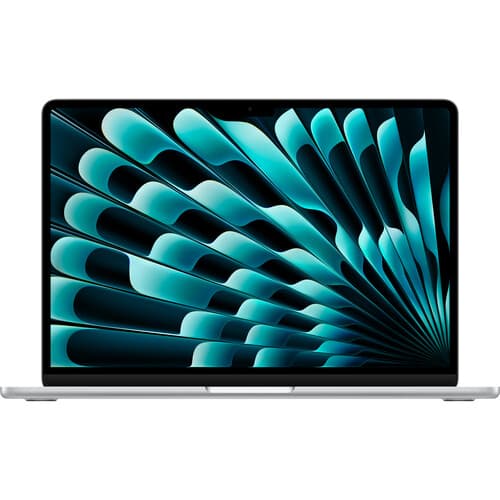
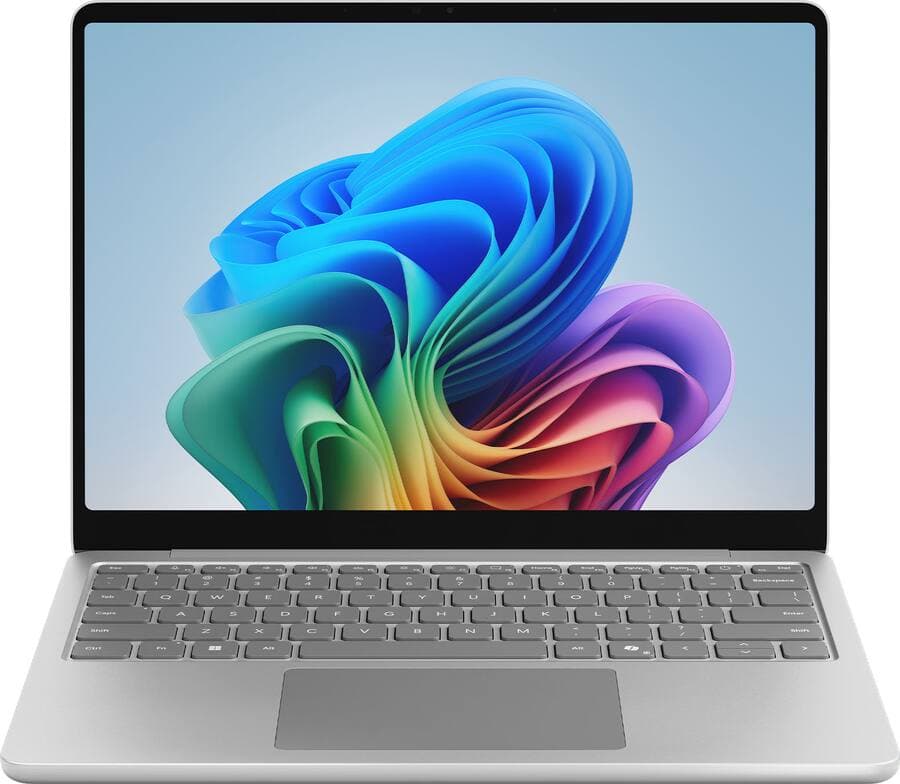
Overall, we did end up liking the MacBook Neo more than we originally thought we would. While it is a viable option for very light computing needs, its performance is very basic, and even slightly more demanding loads might bring it to its knees. We would not recommend this laptop for university students, as a lot of them may change disciplines or try different classes during their 4-year degree, as the MacBook Neo might not be able to scale up with the user as their needs evolve like even the MacBook Air models can. This might make users need to replace it sooner than they would have hoped and could cost the users to have to spend more money than just buying a better laptop to begin with. For most users, an older MacBook Air with M3 or M4 SoCs are much better buys than a MacBook Neo. Apple’s own refurbished store, as well as Best Buy, has several of them available for not much more money. And if you buy from them or another reputable reseller, you’ll still get a warranty. The Surface Laptop 13 with Qualcomm Snapdragon X SoCs are also a good alternative. We are concerned that a lot of these are going to end up in landfills and e-waste bins within 2 to 3 years from purchase, as like all modern MacBooks, they have zero upgradability, but the Neo also lacks it at purchase time. We think it is veryimportant that people are informed of the risks of this laptop and the budget laptop segment before buying.
Read More

Design looks better than budget laptop alternatives; fun colors.
Build quality is above average for this price point.
Above average display for this price point, with good sRGB coverage and above average brightness.
Speakers are above average, especially for a budget laptop.
The mechanical trackpad is very good for a budget laptop.
Single core CPU performance (for every day tasks) is very good, especially for this class of laptop.
Fanless, so no fan noise.
The chassis stays cool even under load.
Fingerprint sensor only available on higher-tier model.
No keyboard backlighting.
Port selection is abysmally bad, even for this tier of laptop; One USB 3.0 and one USB 2.0 (and a 3.5 mm headphone jack).
Port layout is annoying; all of them are on the left side.
No MagSafe 3, unlike all MacBooks since the M1 Pro & Max MacBook Pro & M2 MacBook Air.
External display support is limited and inconsistent.
GPU performance is very underwheming, even for this price point.
Multi-core CPU performance is underwhelming.
Battery life is underwhelming for a 2026 laptop, especially with Apple Silicon.
Slow SSD, especially given the 8 GB of memory.
8 GB of RAM with no upgrade option at or post purchase may require a replacement sooner and cost more money in the long run than just buying a slightly more expensive laptop and keeping it longer.

Overall, we did end up liking the MacBook Neo more than we originally thought we would. While it is a viable option for very light computing needs, its performance is very basic, and even slightly more demanding loads might bring it to its knees. We would not recommend this laptop for university students, as a lot of them may change disciplines or try different classes during their 4-year degree, as the MacBook Neo might not be able to scale up with the user as their needs evolve like even the MacBook Air models can. This might make users need to replace it sooner than they would have hoped and could cost the users to have to spend more money than just buying a better laptop to begin with. For most users, an older MacBook Air with M3 or M4 SoCs are much better buys than a MacBook Neo. Apple’s own refurbished store, as well as Best Buy, has several of them available for not much more money. And if you buy from them or another reputable reseller, you’ll still get a warranty. The Surface Laptop 13 with Qualcomm Snapdragon X SoCs are also a good alternative. We are concerned that a lot of these are going to end up in landfills and e-waste bins within 2 to 3 years from purchase, as like all modern MacBooks, they have zero upgradability, but the Neo also lacks it at purchase time. We think it is veryimportant that people are informed of the risks of this laptop and the budget laptop segment before buying.
Read More
Design looks better than budget laptop alternatives; fun colors.
Build quality is above average for this price point.
Above average display for this price point, with good sRGB coverage and above average brightness.
Speakers are above average, especially for a budget laptop.
The mechanical trackpad is very good for a budget laptop.
Single core CPU performance (for every day tasks) is very good, especially for this class of laptop.
Fanless, so no fan noise.
The chassis stays cool even under load.
Fingerprint sensor only available on higher-tier model.
No keyboard backlighting.
Port selection is abysmally bad, even for this tier of laptop; One USB 3.0 and one USB 2.0 (and a 3.5 mm headphone jack).
Port layout is annoying; all of them are on the left side.
No MagSafe 3, unlike all MacBooks since the M1 Pro & Max MacBook Pro & M2 MacBook Air.
External display support is limited and inconsistent.
GPU performance is very underwheming, even for this price point.
Multi-core CPU performance is underwhelming.
Battery life is underwhelming for a 2026 laptop, especially with Apple Silicon.
Slow SSD, especially given the 8 GB of memory.
8 GB of RAM with no upgrade option at or post purchase may require a replacement sooner and cost more money in the long run than just buying a slightly more expensive laptop and keeping it longer.
As an associate for Amazon, Lenovo, Best Buy, B&H, Dell, and HP, we earn commission from qualifying purchases through these links.

We test over 100s of laptops so you don't have to

Join 50,000+ Smart Subscribers