A Great Screen Is About More Than Just Size
Many people assume that buying a larger laptop means they'll be able to see more on the screen. In reality, screen size is only one of three key factors: resolution and brightness are the other two. Get these right, and even a smaller laptop can provide a better viewing experience than a much larger one.
Here's what you should look for when choosing your next laptop.
Resolution and Size Must Be Considered Together
A higher resolution allows more information to fit on the screen while keeping text crisp and easy to read.
Rather than focusing only on the display's diagonal size, consider its pixel density (PPI). Displays with around 200 pixels per inch or higher make small text, spreadsheets, and code much sharper and easier to work with. If you can't reach 200, try for at least 180.
It's entirely possible for a high-quality 13-inch laptop to display more usable information than a lower-resolution 16-inch model.
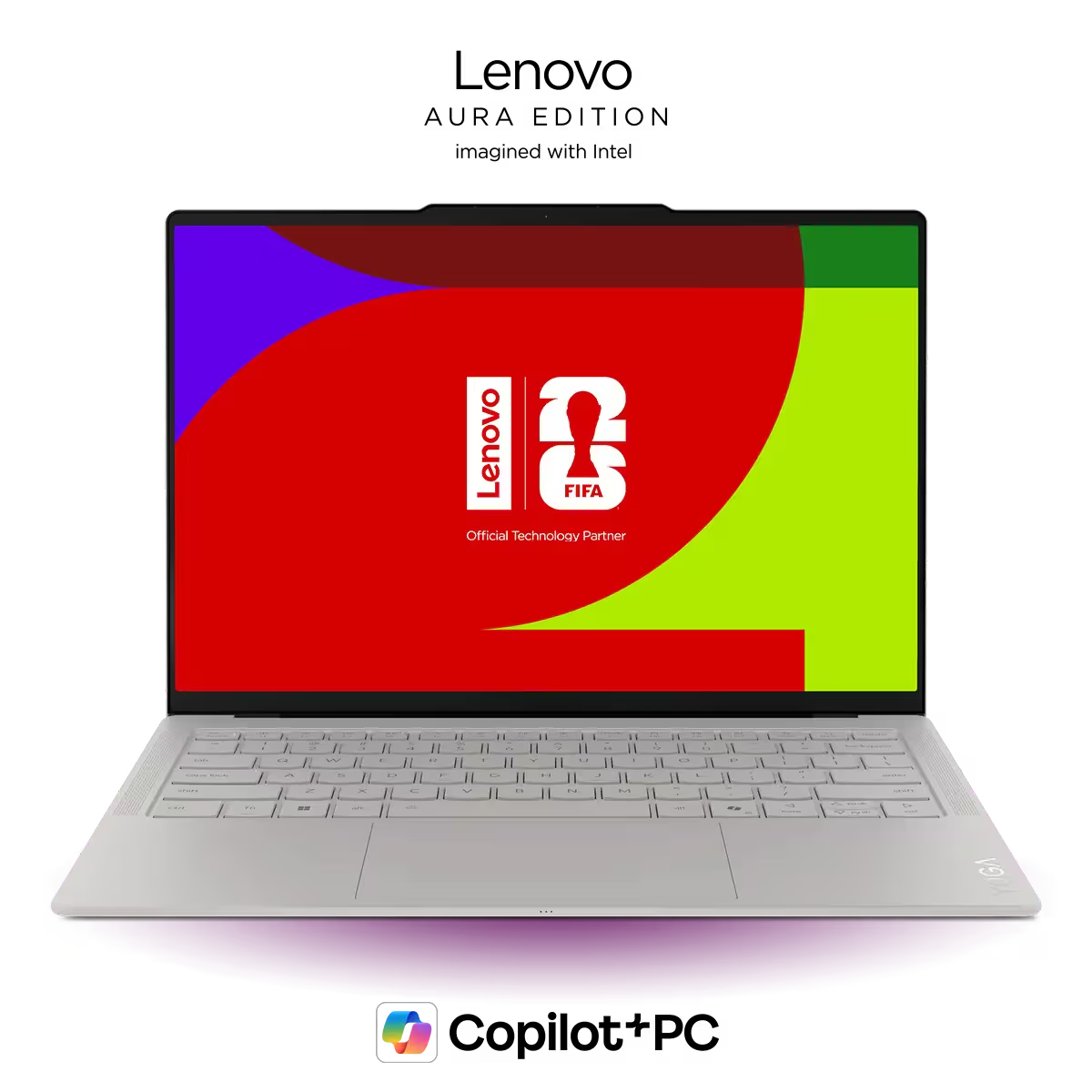
Pros
- Extremely light for a 14-inch laptop.
- Accurate and responsive trackpad with good palm rejection.
- Beautiful, high resolution OLED display with 120Hz refresh rate and over 500 nits in brightness.
- Very long battery life
Cons
- Only three Thunderbolt 4 / USB-C ports; one will be used for charging
- Thunderbolt 4, not Thunderbolt 5
- No 3.5 mm headphone jack
- White keyboard backlight on a white keyboard (with the Seashell color option) makes it harder to see the keys.
Don't Overlook Brightness
Brightness is measured in nits, and it has a huge impact on how easy your laptop is to use.
Retail stores can make displays look brighter than they really are because of their lighting, so don't rely solely on what you see in person.
For most users, we recommend looking for a display rated at 400 nits or more. If you regularly work outdoors or in bright offices, 500 nits or higher will provide a much better experience.
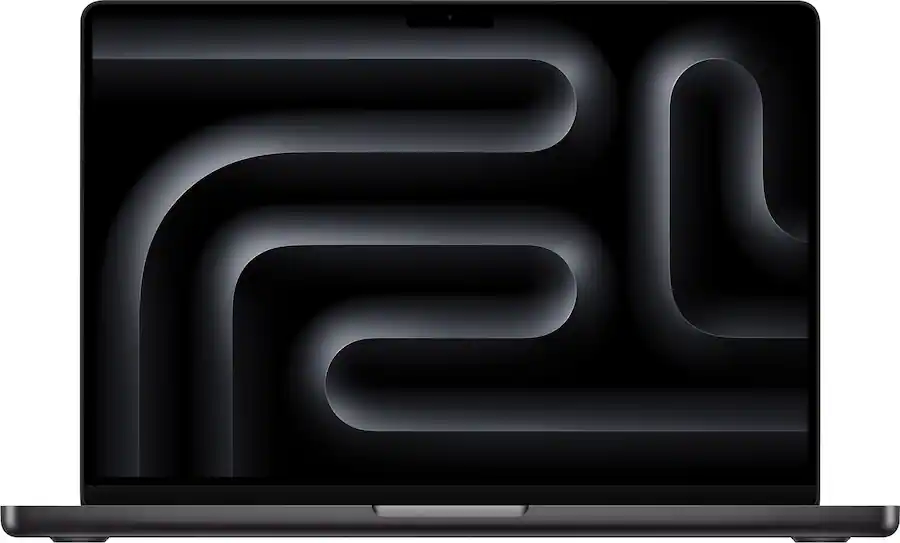
Pros
- Excellent performance
- Very long battery life
- All round premium laptop
- Exceptionally quiet and mostly feels cool to the touch
- Very premium - Great speakers, webcam, trackpad, keyboard, dsiplay
- Extremely fast storage
Cons
- An incremental update that doesn't change much from the M4 version or give a big performance boost in CPU or GPU tasks
- No Wi-Fi 7
- Not good for gaming
- No Thunderbolt 5
- The price has gotten much more expensive as of June 25, 2026.
Glossy vs. Matte Displays
Glossy displays often look more vibrant because they produce deeper contrast and richer colors. The downside is reflections.
In bright environments like cafés, offices with large windows, or outdoors, reflections can quickly become distracting.
Some glossy displays use excellent anti-reflective coatings, but if you spend a lot of time working in bright conditions, a matte display is usually the better choice.
Matte panels reduce glare significantly, although they can make images appear slightly less vibrant.
OLED, IPS, or Mini-LED?
Panel technology also plays a role in image quality.
IPS displays are the most common and the least expensive. The most common downfall of these displays is poor color accuracy. Ideally, you'll want something with 100% sRGB coverage.
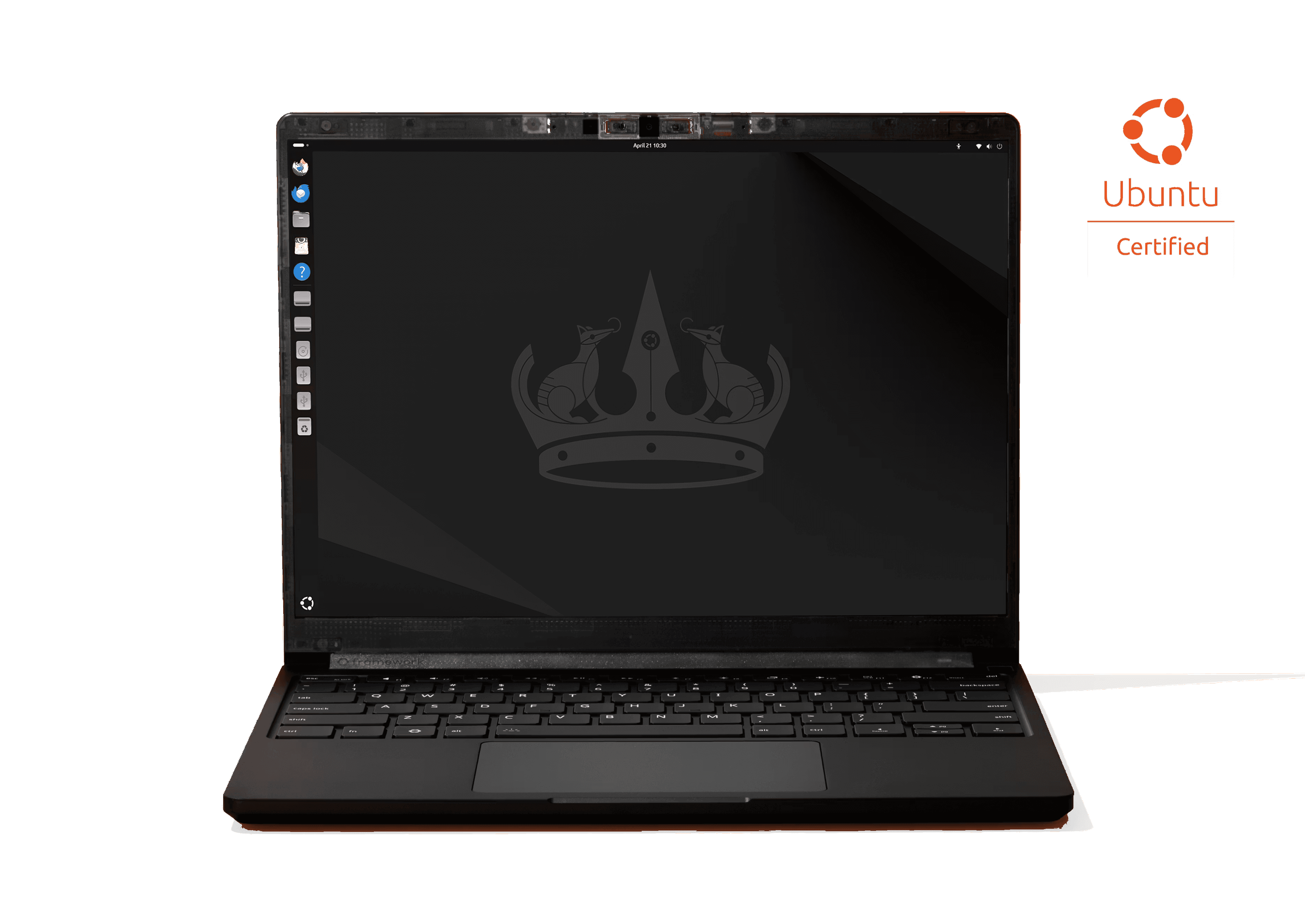
Pros
- Ubuntu (Linux), Windows, and no pre-installed OS, are all supported out of the box.
- Fully upgradeable, with fast LPCAMM2 memory modules
- Super bright, high-resolution IPS matte touch display. 13.5" with 3:2 ratio for great visibility
- Modular port selection with Framework's Expansion Card system up to Thunderbolt 4 speeds.
- Comfortable keyboard
- Has a haptic touchpad
- Larger battery, good battery life
Cons
- Still only has one fan for cooling while many competitors have two (will need to be tested).
- Costs more than similar laptops with the same specs due to its modularity.
- Gets very warm in super intensive tasks, but only slightly warm otherwise.
OLED displays generally produce deeper blacks and more vibrant colors than traditional IPS panels, making movies, games, and creative work look fantastic.
Mini-LED displays also deliver excellent contrast while reaching very high brightness levels.
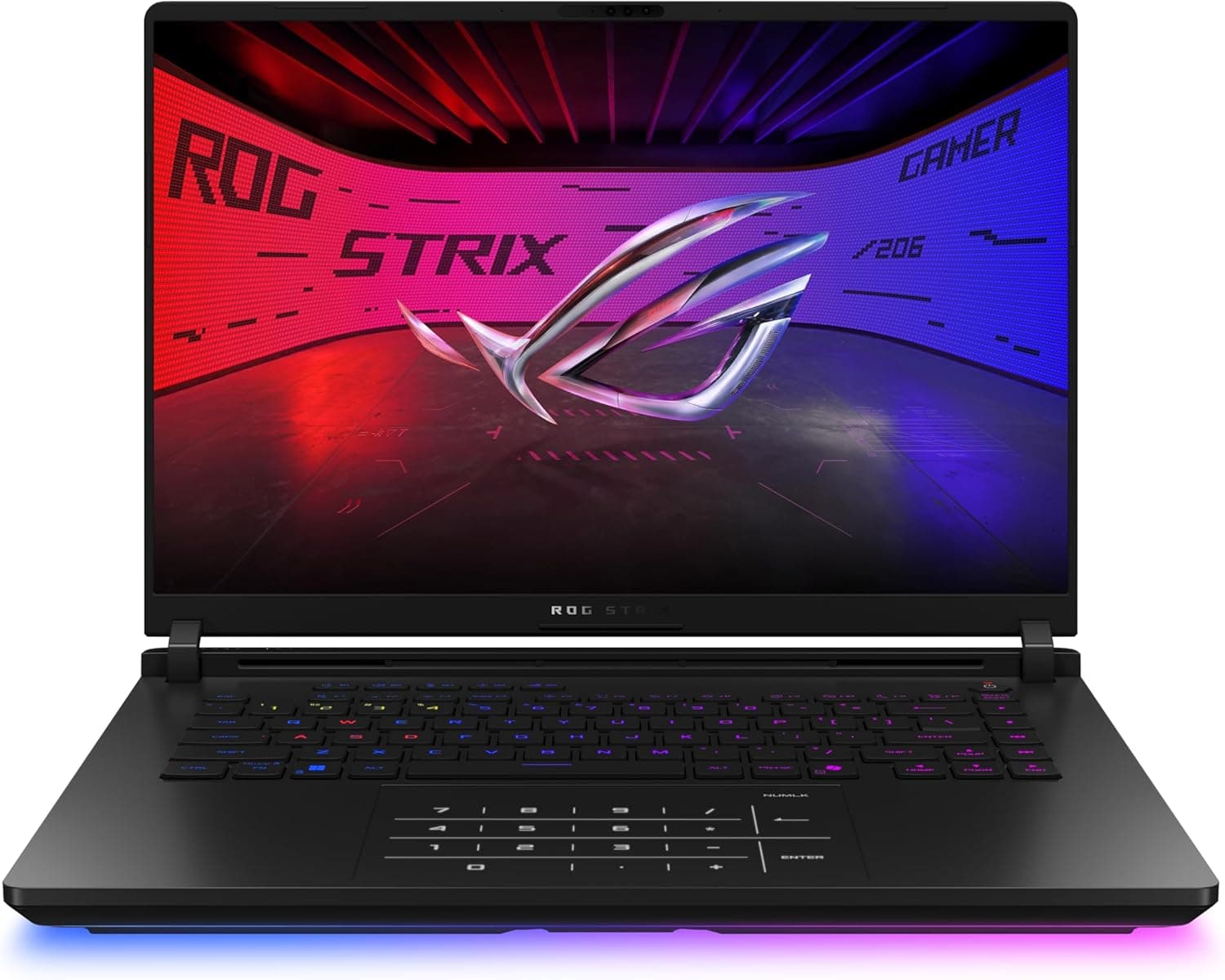
Pros
- High end components
- Feels very cool to the touch while gaming
- Exhausts hot air out the back
- Comfortable keyboard
- Great Mini-LED display
- Ports in good locations away from your mouse
Cons
- Heavy
- Like all thick laptops, you may feel it biting into your wrist a little
The latest Tandem OLED panels combine many of the strengths of both technologies, offering higher brightness than standard OLED displays while reducing some of the motion issues seen on other panel types.
Pros
- Very premium, well-rounded laptop with strong CPU and GPU performance in a portable 16-inch machine.
- Excellent, very bright 16-inch tandem OLED display with sharp 3200 x 2000 resolution, 120Hz refresh rate, and near-perfect color coverage.
- Outstanding keyboard with great travel, satisfying click, premium feel, and centered layout now that the numpad is gone.
- Haptic trackpad is a welcome upgrade and supports pen input.
- Excellent speakers, easily as good as the MacBook Pro 16’s.
- 2 upgradeable SSD slots.
Cons
- Very expensive, especially compared with last year’s model.
- CPU is completely outclassed by Apple’s M5 Pro and Max chips in this class.
- GPU is only midrange for the price and is not fed full wattage.
- Display is extremely reflective, even more so than the glossy MacBook Pro display.
Be Careful With Budget Displays
One of the easiest ways manufacturers reduce costs is by fitting lower-quality displays.
Budget gaming laptops often sacrifice color accuracy, brightness, or response times. Some inexpensive productivity laptops still use outdated panel technologies with poor viewing angles like TN.
A powerful processor or graphics card can't make up for a display you'll be staring at every day, so don't overlook screen quality when comparing laptops.
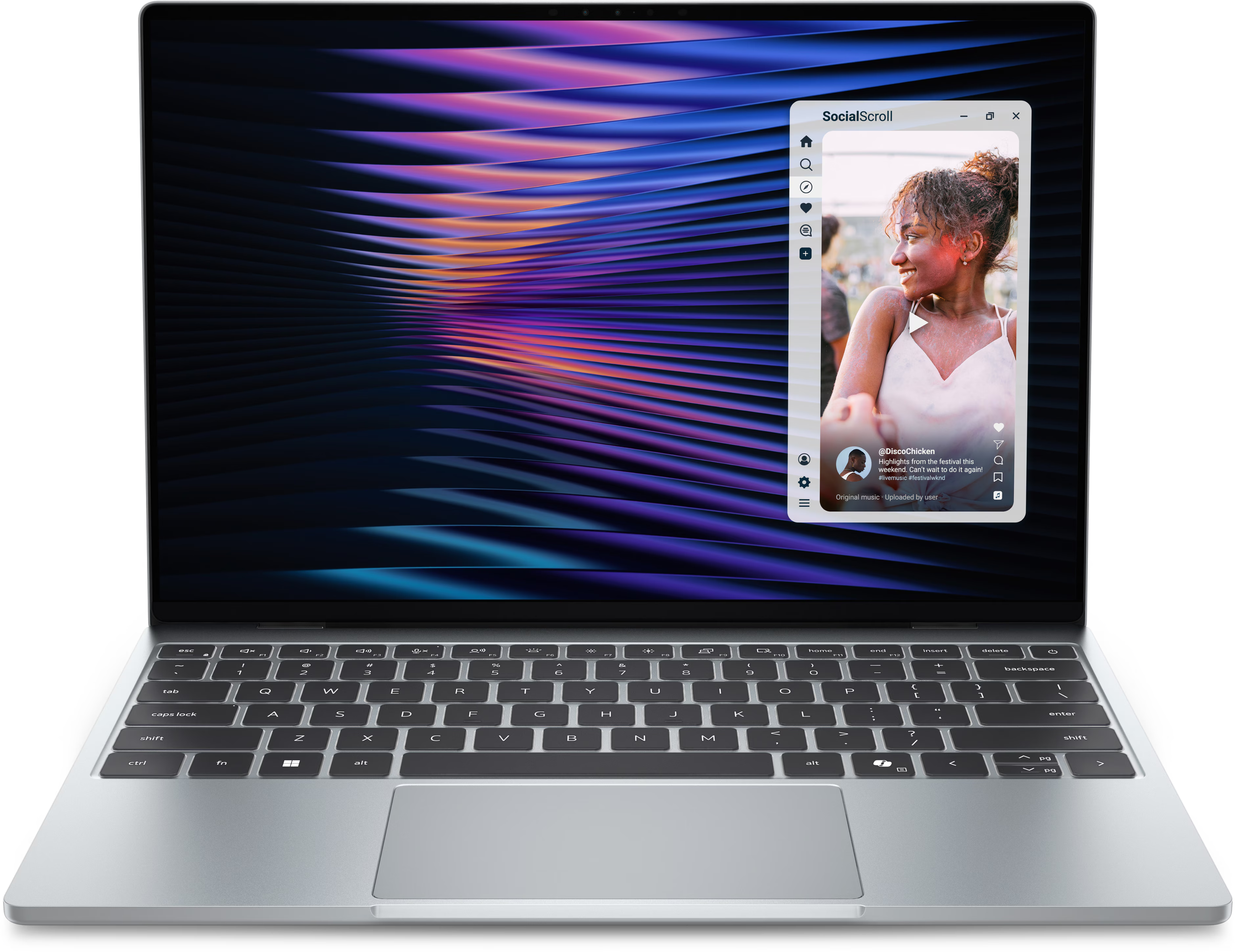
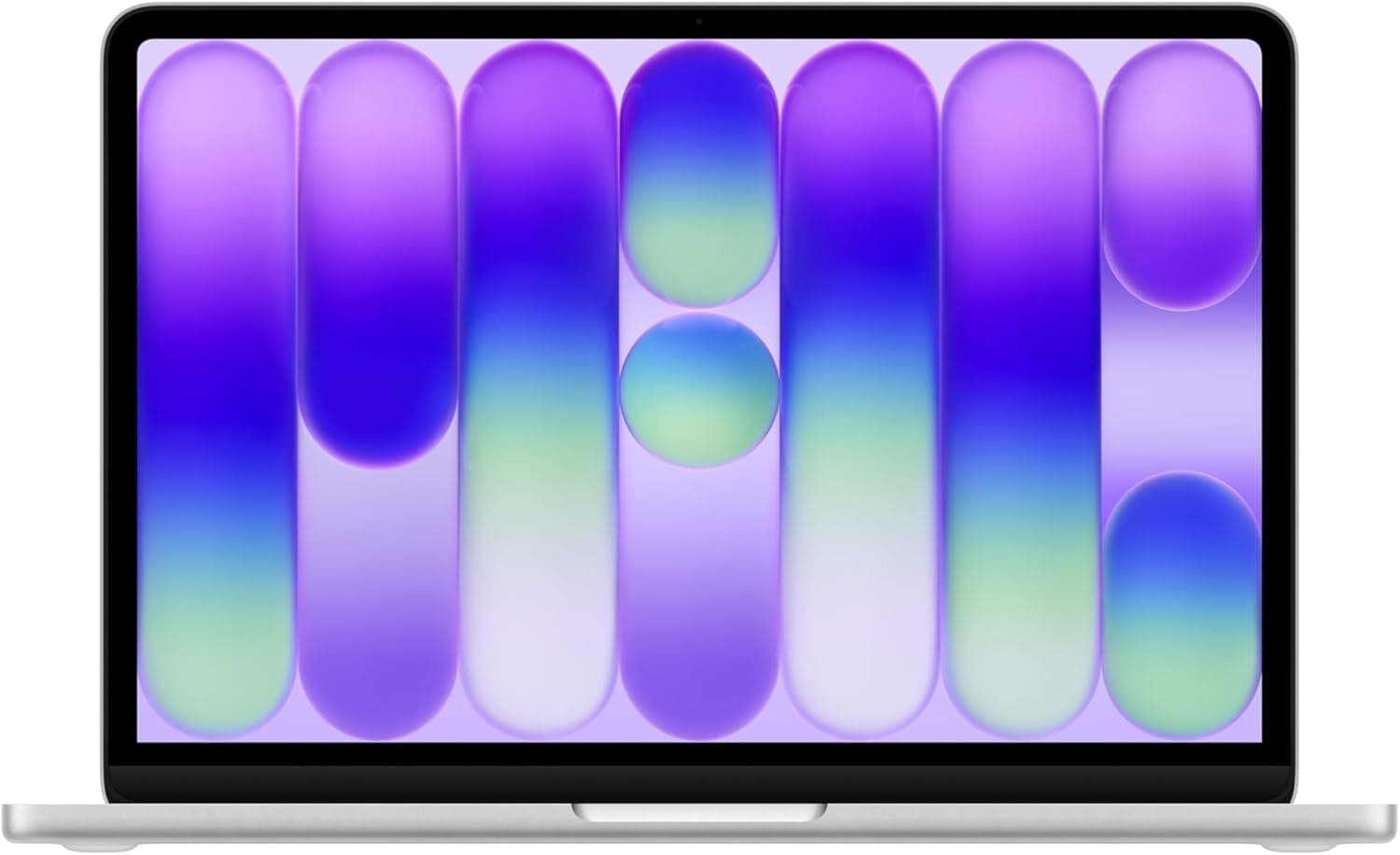
The XPS 13 is one of the only budget laptops with a great display. The MacBook Neo as well.
Pros
- Very good price for what you get.
- Looks very good and has good build quality for its price tier, despite being thin and lightweight.
- Great screen for the price. It is high resolution, 120 hz, around 500 nits (bright for a laptop at this price point), and has very good color gamut of sRGB (almost 100% coverage) and DCI-P3 (also almost 100% coverage).
- Has pretty effective keyboard backlighting.
- Windows Hello via an IR Camera is standard.
- Has an option for 16 GB of RAM at the time of purchase.
Cons
- Low travel keyboard (0.8 mm)
- Ports are very lacking for connecting external devices; only 2 USB C (5 Gbps) ports, and no Thunderbolt 4 or USB4.
- Bad speakers and no 3.5 headphone jack.
- Intel Wildcat Lake (Core Series 3) CPU is only suitable for light/casual use.
- Only supports shorter M.2 2230 SSDs, making storage upgrades and replacements more expensive and limited to 2 TB.
Pros
- Looks great
- Fantastic value
- Built very well, feels premium
- Very good display for the price
- Good speakers
- Excellent trackpad
- No fan noise, as it is fanless
- The chassis stays cool even under load.
Cons
- Very basic performance only. A18 Pro chip and 8GB
- No keyboard backlight
- Fingerprint sensor only available in more expensive model
- Ports are lacking, only 2 USB C and a headphone jack. One port is very slow
- Battery life is not that long due to its small battery
- Storage is limited and slow for a modern laptop
Our Recommendations
If you're shopping for a laptop, these are the display features we'd prioritize:
- Resolution: Around 200 PPI or higher for crisp text and better workspace. 180 at a minimum. Here is a handy calculator.
- Brightness: At least 400 nits, with 500+ nits recommended for bright environments.
- Panel type: OLED, Mini-LED, or Tandem OLED where possible for the best image quality.
- Finish: Matte for frequent outdoor or bright-room use, glossy if you mainly work indoors and prefer more vibrant visuals.
A great display can make a laptop feel far more enjoyable to use every day. Rather than choosing based on screen size alone, focus on resolution, brightness, and panel quality—you'll notice the difference every time you open your laptop.