MacBook Pro 16 M5 Pro & Max: The Definitive Buyer’s Guide
April 16, 2026
|
MacBook Pro 16 with M5 Pro & Max: The Definitive Buyer’s Guide
Summary
In this article, we’ll break down the M5 MacBook Pro 16 review. Find out which model to buy, performance gains, battery life, and whether it’s worth upgrading.
Table of contents:
Laptops in this Article
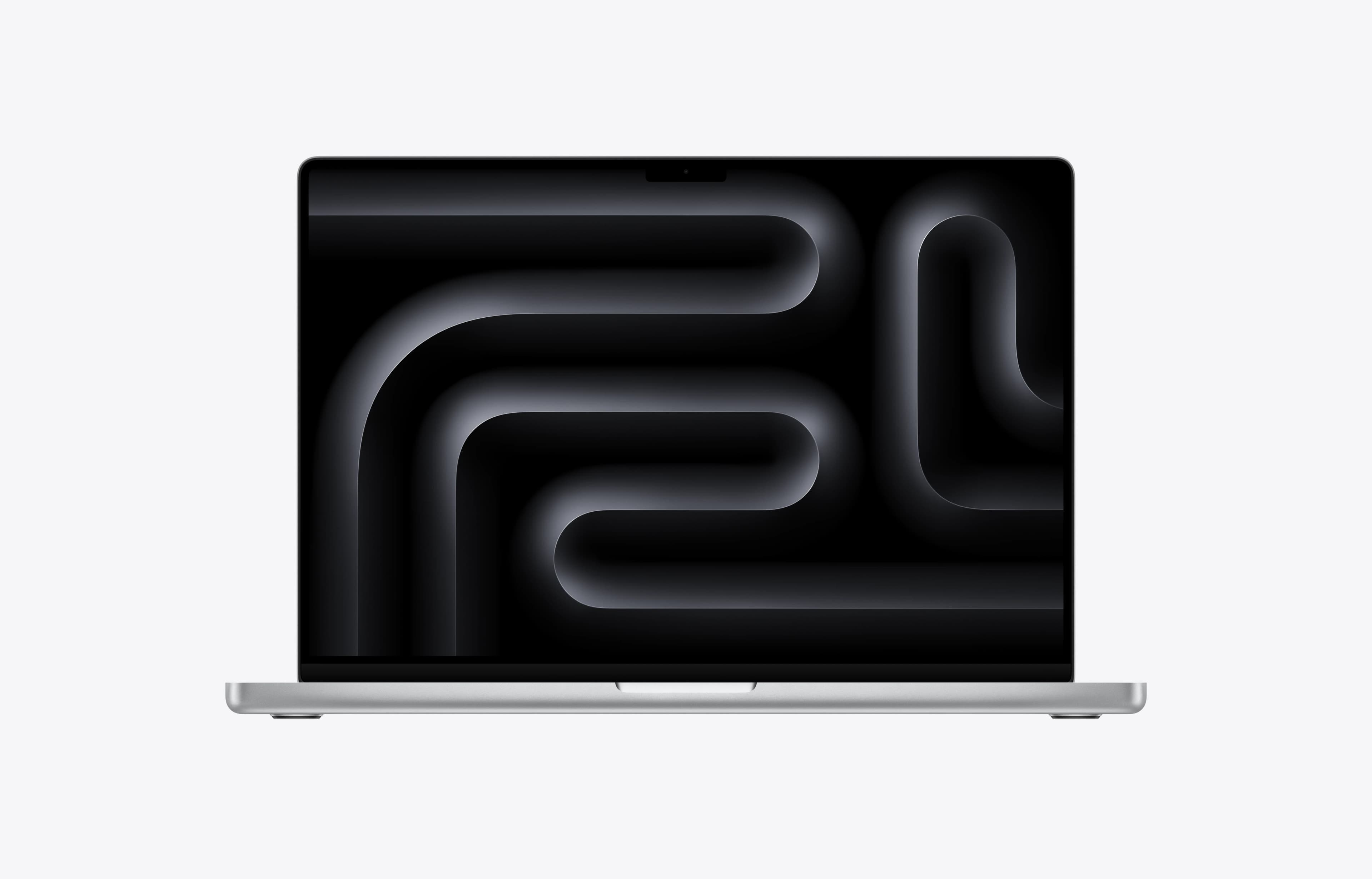
16 Inches | 1 TB | 24 GB | M5 Pro 18-Core | M5 Pro 20-Core GPU
Best Price Ever
Apple’s New MacBook Pro 16 with M5 Pro & Max: Which One Should You Buy?
The first time we glanced at this generation of laptops, we found ourselves a bit disappointed by the generational upgrade, as it looks like a refresh rather than a big update. But once you take a step back and look at the wider laptop market and the competition, you’ll see that these new models become more compelling.
The performance they offer is still top-of-the-line, which is usually reserved for larger, heavier gaming laptops. And they do this while offering excellent battery life, low fan noise, and a chassis that is only slightly warm under professional workloads. These combinations in a laptop are still rare, as most Windows laptops give you only two or three out of these strengths.
MacBook Pro 14 vs 16
A lot of buyers are going to be deciding between the 14-inch and 16-inch models rather than between Pro and Max chips.
The 14-inch is the more portable option, obviously, and for many people it will be enough. But the 16-inch has real advantages. It delivers better performance, especially in CPU-intensive work. It gives you the most out of the Max chips and it delivers better battery life. And for creative professionals, the larger display is simply nicer to work on.
The 14-inch still makes sense if you care more about portability and are pairing it with a Pro chip. Once you start looking at Max chips, though, the 16-inch becomes the much more natural fit.
CPU Performance
M5 Pro and Max’s new chips continue to have a strong lead over Intel and AMD's competition. This lead in performance is most transparent in common performance tasks, such as zipping a file, office work, and streaming a movie. When looking at heavier, sustained CPU workloads, the gap between the M5 Pro/Max chips and their competitors narrows significantly. Though we do want to note that, while the performance in the latter case is comparable, Intel’s top HX and AMD’s Strix Halo chips are in similarly expensive laptops.

The gains moving to M5 are not huge when compared to its M4 predecessor. The jump becomes meaningful if you are still on the M2, especially for CPU-intensive tasks like programming.
A last thing to note is that the 14-inch performs about 10% worse in sustained workloads than the 16-inch due to its smaller size and limited cooling solution.
Creator Performance
In Premiere Pro exports, the highest-end M5 Max leads, but the margin over older Max chips is not as dramatic as some people might expect. That is because video exporting leans heavily on Apple’s media engines, and the Max chips have not fundamentally changed as much from generation to generation as buyers may assume. In practical terms, if exporting video is your priority, an older MacBook Pro 16 with a Max chip may still make more sense than a newer MacBook Pro with a Pro chip.
For playback, the new MacBook Pros are excellent. On the internal display, playback is smooth across the lineup, with no dropped frames at half resolution.
Photo editing is not much of a debate, as all the Pro 16s are excellent for this kind of task.
3D Rendering, Gaming, and AI
The new Pro 16s are much more competitive than many portable Windows machines in 3D rendering. This competitiveness vanishes when compared to Windows laptops with high-end Nvidia graphics, such as the RTX 5080 and 5090.
In gaming, the MacBook Pro 16 remains clearly behind in both cross-platform graphics benchmarks and real-world tests with games such as Cyberpunk. For this use case, gaming laptops with Nvidia GPUs are far ahead in both performance and compatibility, as gaming on Mac OS is still lacking developer support.
AI workloads have a few nuances: Nvidia tends to own the space when it comes to raw performance of locally run models and AI development due to CUDA. Nonetheless, Apple’s chips have a card up their sleeve when it comes to memory capacity, as they can be configured with a higher amount of memory than Nvidia’s GPUs. This allows the user to run larger models than many Nvidia-equipped laptops.
Last thing to note is that the same CPU performance issue mentioned earlier affects AI workflows in the Pro 14, the increased cooling capacity of the 16-inch helps the Max chip perform better.
Battery Life and Power Efficiency
Battery life remains one of the MacBook Pro 16’s biggest strengths. In tougher real-world style battery testing, the MacBook Pro 16 with M5 Pro delivered an excellent result and stands out as one of the longest-lasting high-performance laptops tested. Moving to an M5 Max costs you about an hour of runtime, which is a reasonable trade-off given the extra GPU capability. Moving down to the 14-inch chassis costs even more battery life.

Many powerful Windows laptops still throttle heavily when unplugged, the MacBook Pro 16 remains one of the few machines that feels genuinely capable away from the wall.
That said, the power-efficiency story is a little more interesting this year. The new M5 generation does not seem to represent a dramatic leap in CPU efficiency over the prior generation. A lot of the added performance appears to come from Apple feeding the chip more power, rather than the chip suddenly becoming far more efficient. Even so, Apple still remains significantly ahead of Windows laptops in performance per watt under heavy CPU load.
Heat, Fan Noise, and Performance Modes
Despite the added power draw, the MacBook Pro 16 still does a very good job controlling heat and noise. It does not feel dramatically hotter than older models, and fan noise remains much lower than that of gaming laptops.
Apple is still clearly choosing quiet operation over a cool-to-the-touch chassis, but in real-world professional use that is a trade-off many people will happily take.
The 14-inch models are the bigger compromise. They run hotter under sustained load, especially with Max chips. If portability matters more, the 14-inch still makes sense. If you are buying a Max chip, the 16-inch is the one to get.
Storage, Wi-Fi, and Pricing
Apple has improved the base storage situation, and that is a bigger deal than it first sounds.
The MacBook Pro 16 may appear more expensive at first glance, but that is largely because Apple dropped the lower-storage entry point. In practice, many buyers were upgrading storage anyway, and those upgrades were particularly painful because they often forced you into custom configurations that did not benefit from retailer discounts.
The same applies even more strongly to the Max models, where creators often needed 2TB and were previously paying a huge premium to get it directly from Apple.
As for Wi-Fi 7, this is one area that is more disappointing than exciting. The support is there, but it does not appear to fully take advantage of the faster end of the spec, therefore making it a minor upgrade over the previous generation.
Our Conclusion
If you want a portable performance laptop for real work, the MacBook Pro 16 is one of the best laptops you can buy. It is fast, quiet, efficient, and premium in ways that Windows rivals still struggle to match.
The base M5 Pro model is the one most people should get. It makes the most sense for programmers, audio engineers, and anyone focused mainly on CPU-heavy work. It is also more than enough for lighter creative tasks.
The Max models are for people who know they need them. Heavy video editing, 3D work, and AI workflows are where they really start to justify their cost.
If you want AAA gaming, buy a Windows laptop instead. For almost everyone else shopping for a high-end performance machine, the MacBook Pro 16 is very hard to beat.
More Test Data from MacBook Pro 16 - M5 Series
