What Matters Most in a Video Editing Laptop
Editing isn’t just about raw power—it’s about responsiveness. Smooth scrubbing and playback depend heavily on:
- Hardware encoders/decoders
- GPU performance
- Memory bandwidth
- Optimized software support
Nvidia’s 50-series GPUs provide major upgrades to encoders/decoders especially for 10-bit footage.
2. Fast Export Times
Exporting stresses every part of the system. It’s why:
- High-end GPUs matter more than CPUs
- Laptops with multiple hardware encoders/decoders (e.g., RTX 5080/5090, Apple M-series Max chips) pull ahead
- Efficient chips such as Apple’s M-series. Intel's Arrow Lake HX chips, or AMD’s HX3D chips perform consistently even in thermally constrained chassis
Real-world exports often reveal gaps that benchmarks don’t.
3. A High-Quality Display
Editors spend hours staring at small text, color nuances, and fine edges. The best displays offer:
- High pixel density for crisp, accurate imagery
- Wide color gamut
- High brightness
- Low glare or well-managed gloss
- Mini-LED or OLED panels
A great panel is not optional—it’s part of your accuracy toolkit.
4. Comfort, Thermals, and Fan Noise
Editing workloads are long. A good system should:
- Stay cool around the keyboard deck
- Avoid blowing hot air on your mouse hand
- Keep fan noise reasonable
- Offer a comfortable keyboard layout
Surprisingly, comfort differences between laptops can matter more than small performance deltas.
5. Memory and Storage
For video editing, we recommend:
- 32GB RAM minimum for 4K work
- 64GB for heavy effects or large multi-camera timelines
- 1TB storage minimum, with 2TB ideal unless the laptop has upgradeable slots
Video files are huge—storage fills fast.
The Top 10 Video Editing Laptops
These rankings combine performance, thermals, display quality, build experience, and editor-friendly ergonomics.
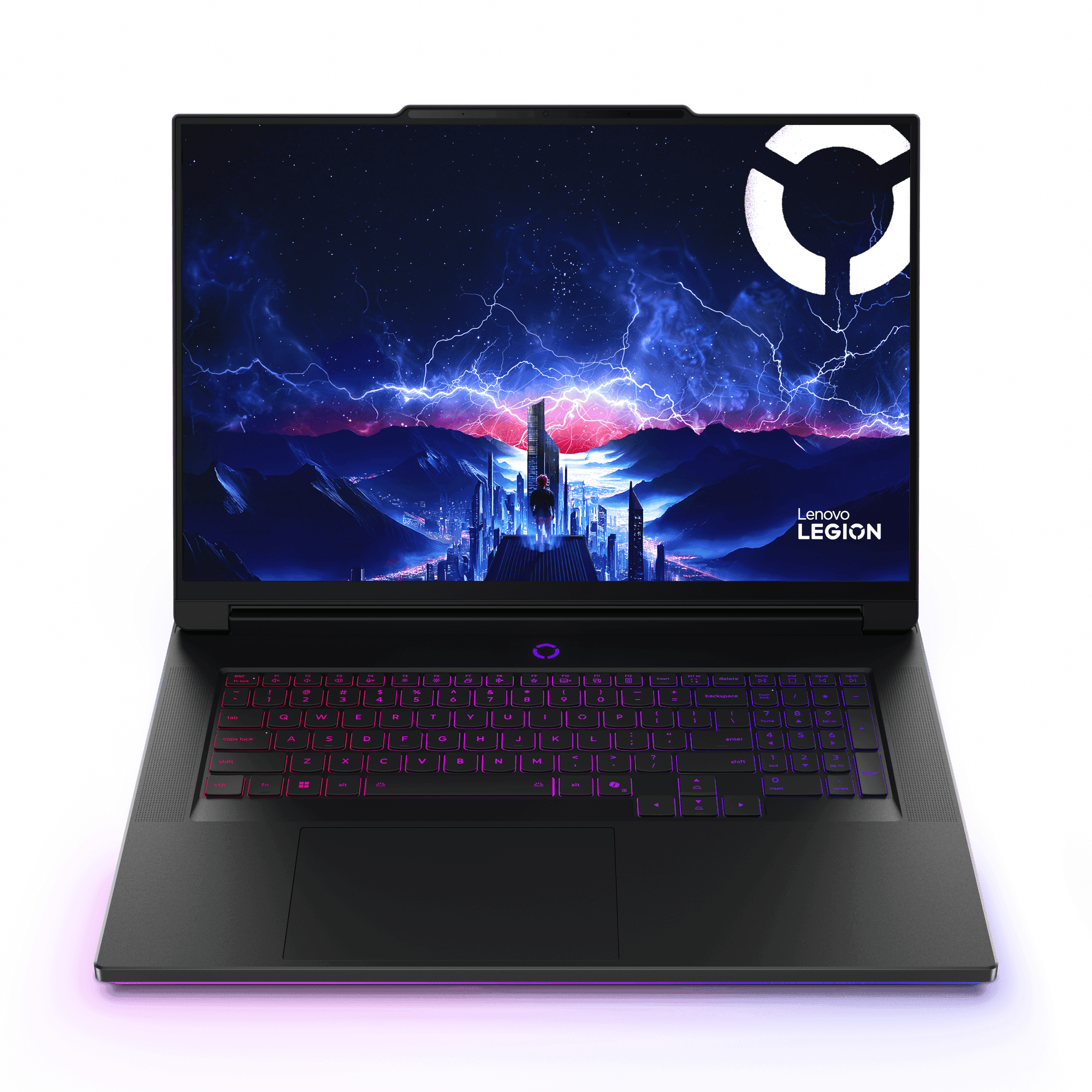
#10 — Lenovo Legion 9i
A powerhouse with one of the sharpest 18-inch 4K+ panels on the market.
- Exceptional performance across Premiere Pro and DaVinci Resolve
- Upgradeable memory and storage (4 slots each)
- Rear exhaust keeps the mouse area cool
- Runs warm against your hands—may bother sensitive users
Perfect for editors who want desktop-level speed in a laptop format.
Pros
- Most powerful laptop of 2025!
- Stunning 4K+ Display
- Excellent keyboard, very satisfying to type on
- Very fast ports
Cons
- Feels very warm, particularly on the left palm rest
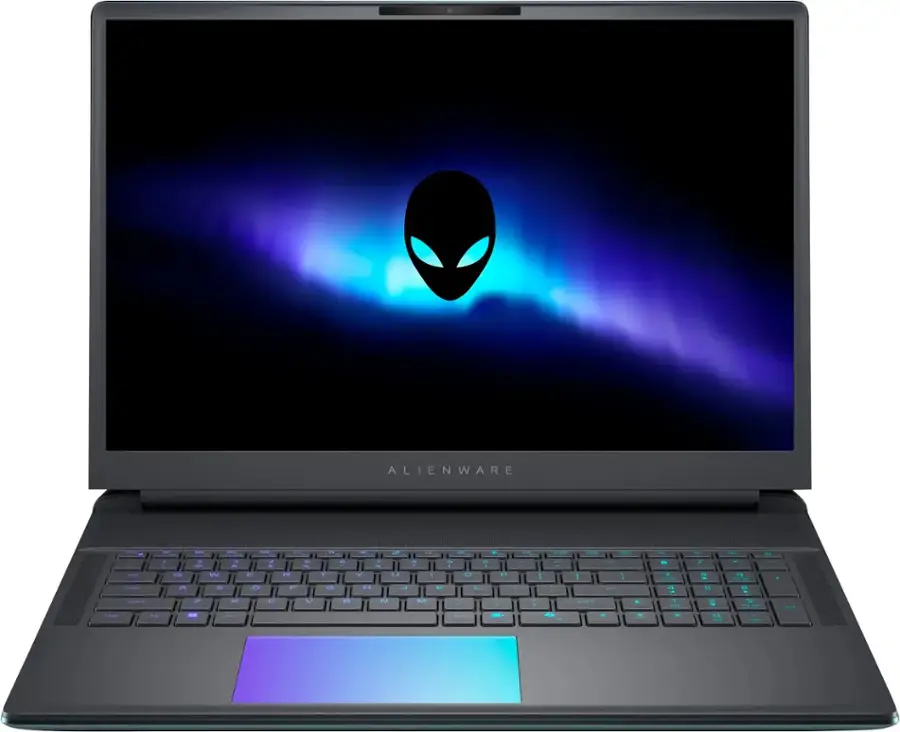
#9 — Alienware Area-51 18
Stays impressively cool and offers a uniquely comfortable design.
- Optional Cherry MX mechanical keyboard
- Cooler and softer to the touch than most 18-inch gaming laptops
- Heavier than competitors
- Lower pixel density 2560×1600 display
A great fit for editors who prioritize cooling and typing comfort over display resolution.
Pros
- Extremely powerful
- Feels premium
- Remains cool even during performance use
- Fan noise is minimal if used on Balance mode (95% of max performance)
- Thunderbolt 5, 2.5 Gbe, PCIE 5.0 SSD, SD Card Reader
Cons
- Heavy, almost 10 pounds
- Does not have an OLED or Mini-LED display
- Soldered Wi-Fi card (though it is Wi-Fi 7)
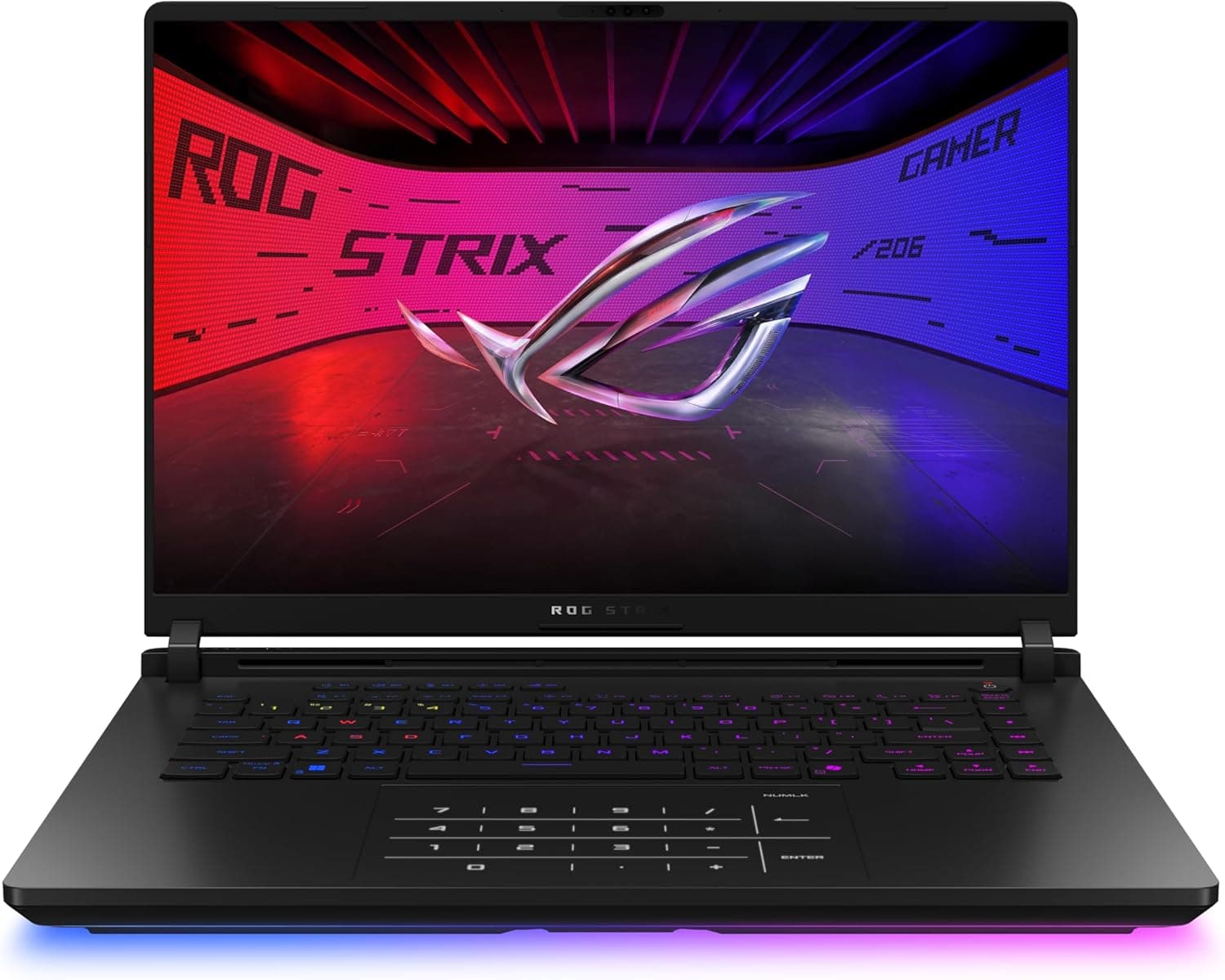
#8 — ASUS ROG Strix Scar 16
High-end performance in a far more portable chassis.
- Premium Mini-LED display
- Cool, quiet thermals across the entire keyboard
- No number pad, which helps reduce heat around the right hand
- Rear exhaust avoids warming your mouse hand
A favorite among traveling editors who still need flagship performance.
Pros
- High end components
- Feels very cool to the touch while gaming
- Exhausts hot air out the back
- Comfortable keyboard
- Great Mini-LED display
- Ports in good locations away from your mouse
Cons
- Heavy
- Like all thick laptops, you may feel it biting into your wrist a little
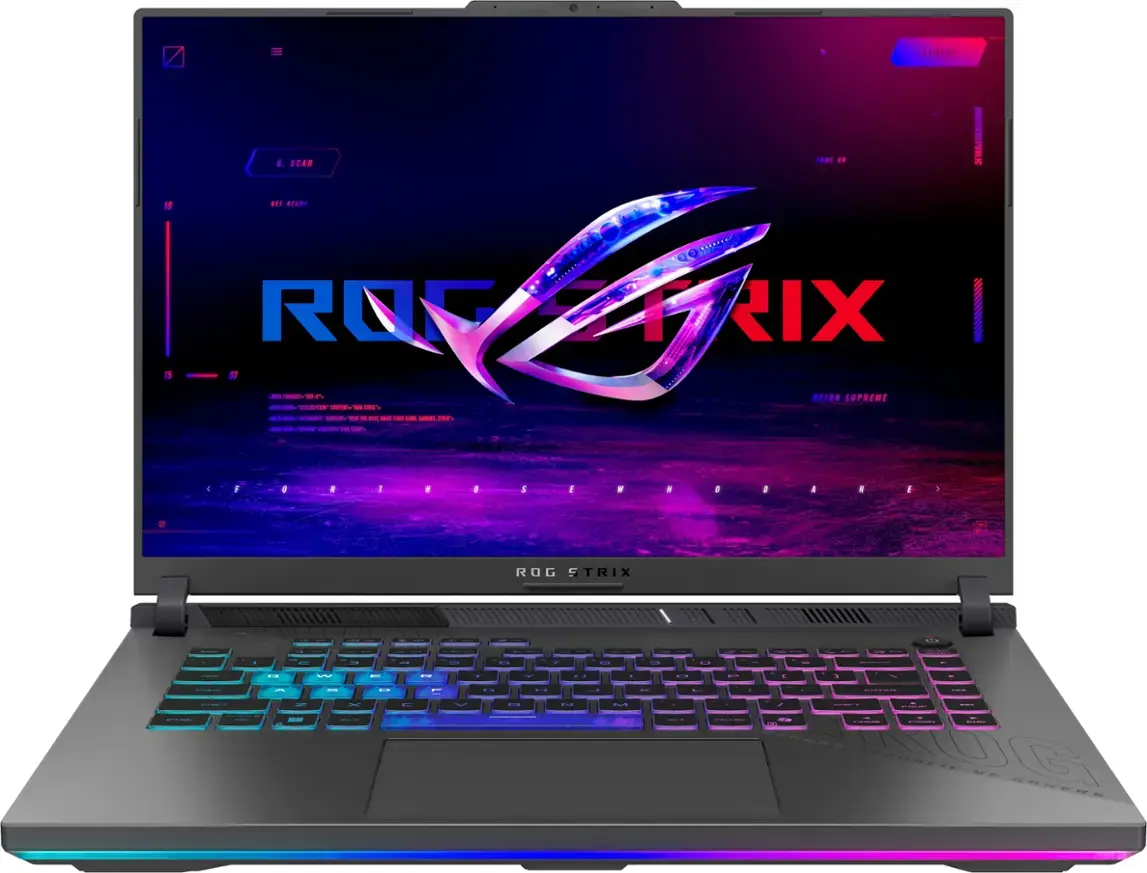
#7 — ASUS ROG Strix G16
A more budget-friendly performance pick.
- Full-power RTX 5070 Ti performs surprisingly well
- Runs cooler than comparable Lenovo models
- Loses the Scar’s Mini-LED panel and premium materials
A value sweet spot for editors who want strong GPU performance without premium pricing.
Pros
- AMD Ryzen 9 9955HX3D processor is fantastic
- Excellent GPU performance due to high wattage
- While gaming doesn't get overly warm or hot
- Upgradeable memory
Cons
- Thick laptop
- Slippery palm rest material
- Expensive when not on sale
- Blows warm air on the back left and right of the laptop
#6 — MacBook Pro 16 (M4 Max or M4 Pro)
The best all-around editing experience for most creators.
- Industry-leading battery life
- Quiet—even under load
- Best-in-class Mini-LED display
- Excellent speakers, trackpad, and overall polish
- Our winner for 10-bit export times
If you edit unplugged or want a refined, quiet machine, nothing else comes close.
Pros
- Extremely Powerful
- Long Battery Life
- Lots of Memory as Standard
- Good Webcam
- Excellent Speakers
- Extremely Power Efficient
- Good Keyboard and Trackpad
- Minimal Fan Noise (If Any)
- Fantastic Display - High Resolution, Fast Refresh Rate, Bright
#5 — ASUS ProArt P16
The closest thing to a “MacBook experience” in a Windows laptop.
- Gorgeous 4K Tandem OLED display
- Quiet, cool, and lightweight
- Soldered RAM (but 64GB is included on the 5090 model)
A creator-focused Windows alternative with a display many editors will love.
Pros
- 5090 version is a standout with its Tandem OLED panel and great performance
- High resolution and high refresh rate screen options
- Excels in creator tasks
- Games decently well
- Comfortable keyboard
- Never gets too hot
Cons
- 5070 versions are not as competitive, <400 nit screens and lesser performance
- Some fan noise even in lighter use
- Less efficient than a MacBook Pro
- Average battery life
- Always a little warm
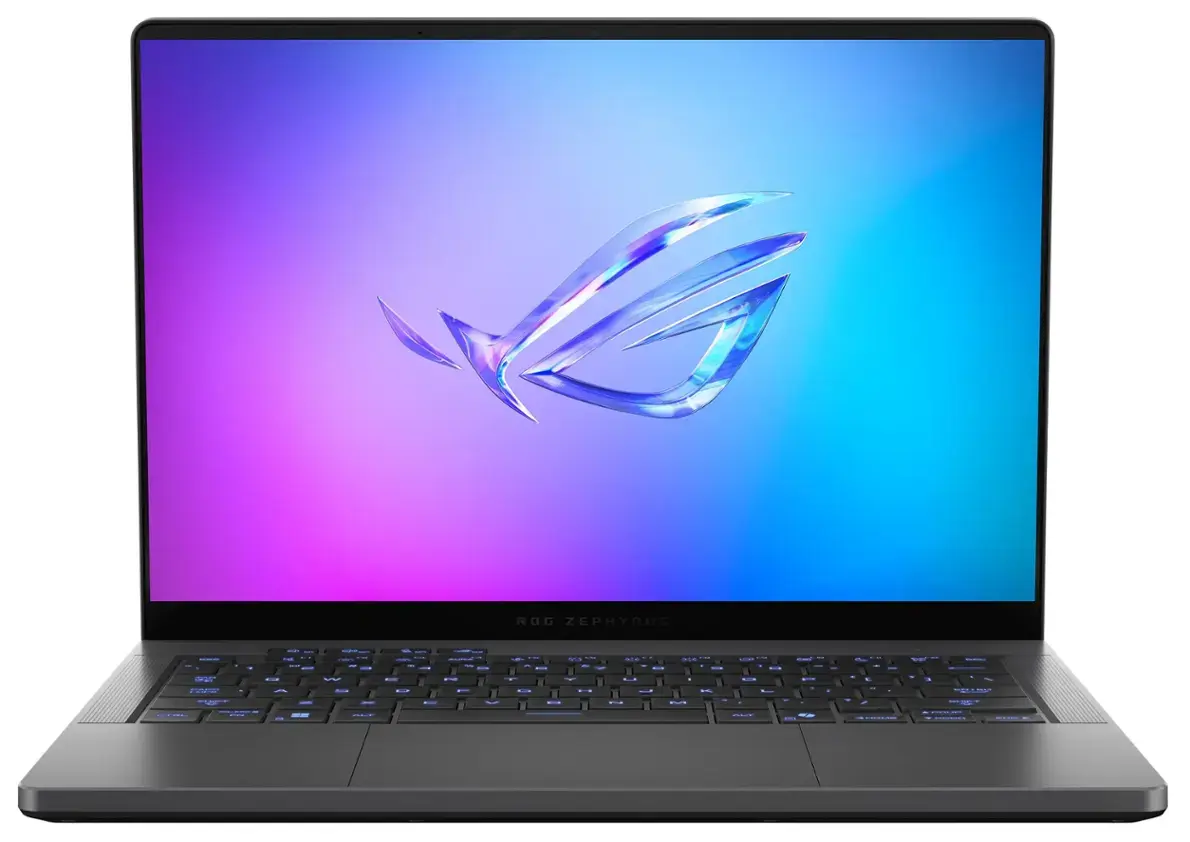
#4 — ASUS Zephyrus G16
A gaming-first, creator-second take on the ProArt chassis.
- OLED panel
- GPU options up to RTX 5090, although we recommend the 5070 Ti
- Great for those who edit and game
Choose this if you want more GPU power than the ProArt but the same excellent build.
Pros
- Fan noise is minimal for a gaming laptop
- Very light and portable for a powerful laptop with a 16 inch screen
- Display is great - OLED, Fast Refresh Rate, High Resolution, G Sync, Advanced Optimus
- Great speakers
- Battery life is good for a gaming laptop
Cons
- GPU does not run at full wattage. The RTX 5080 and 5090 models perform poorly. Get the 5070 Ti
- Keyboard doesn't feel as comfortable as the Razer Blade 16
- Webcam is grainy
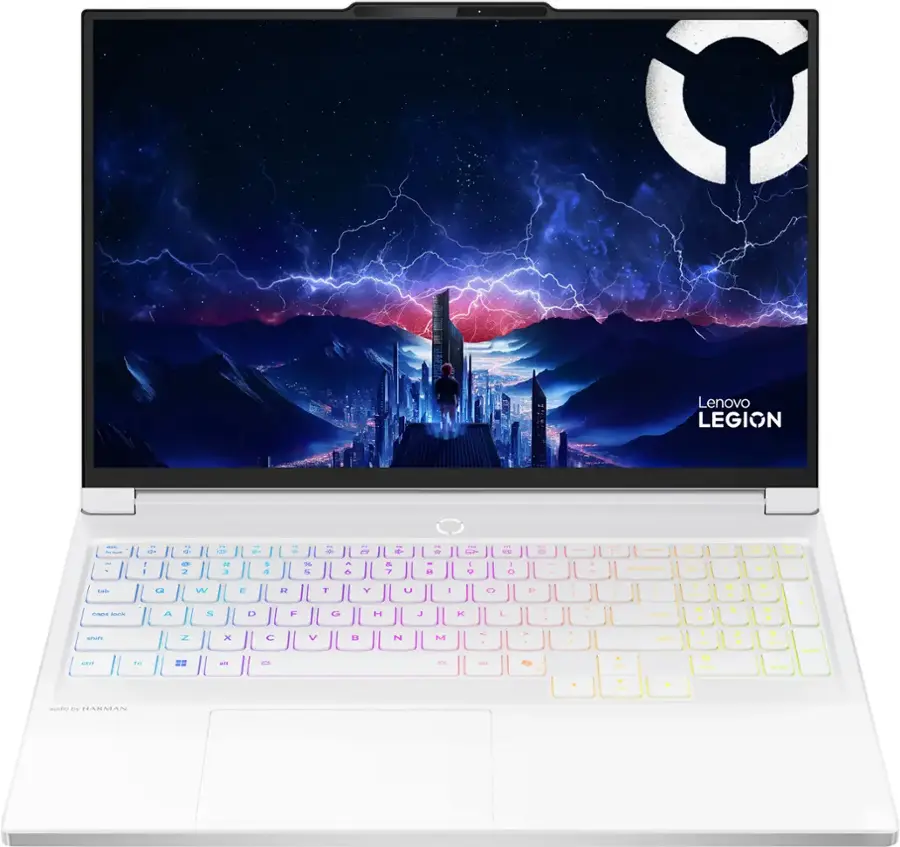
#3 — Lenovo Legion 7i
The best mid-range editing laptop for most people.
- Bright, sharp OLED display
- Surprisingly cool under load
- Excellent keyboard layout with large arrow keys
- Beautiful design and strong CPU performance
A balanced option that delivers high-end experience without flagship prices.
Pros
- Very comfortable keyboard
- Fast full size SD card reader (UHS-II)
- Stunning display
- Portable for a gaming laptop
- Glacier White version looks cool
- Upgradeable memory
Cons
- Maxes out at an RTX 5070 8 GB
- Gets warm under load
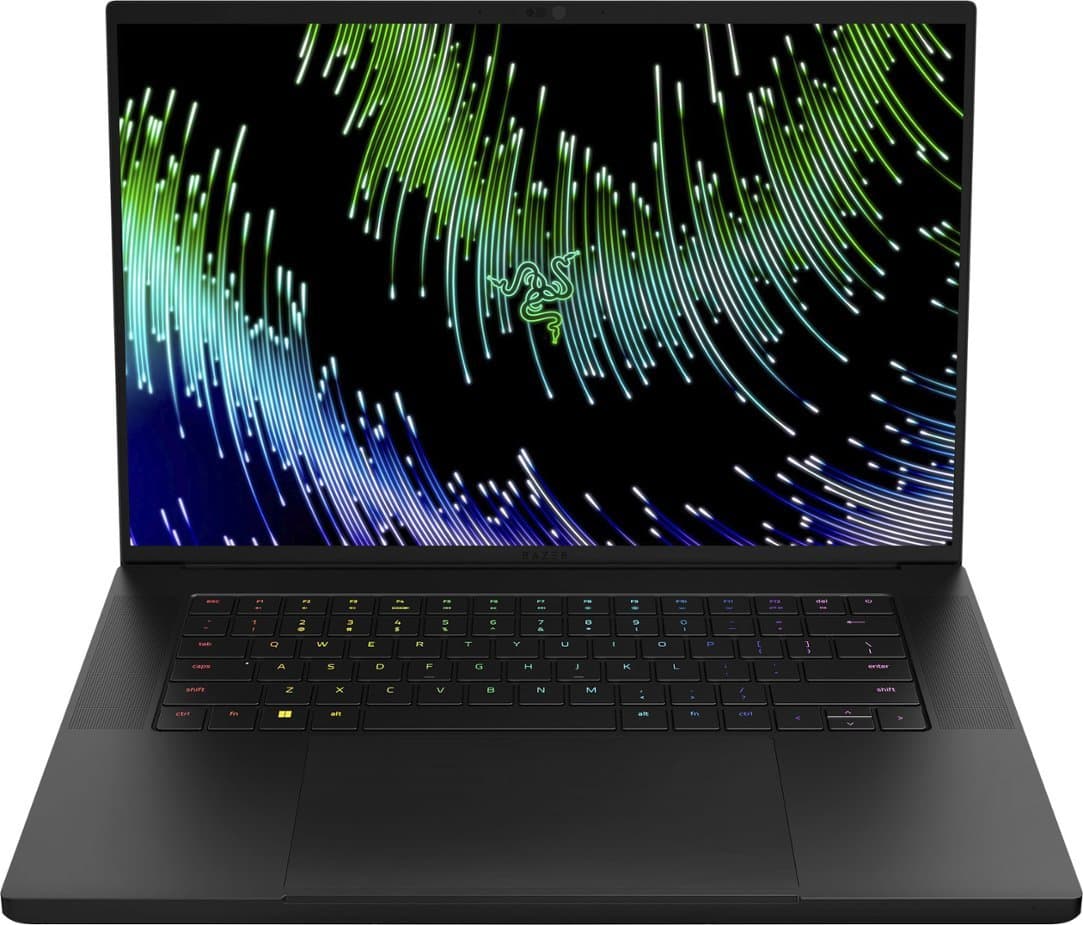
#2 — Razer Blade 16
The best thin-and-light Windows laptop for professional editors.
- High-wattage GPUs deliver class-leading performance
- Stunning OLED panel
- Quiet, premium build with excellent ports
- Reliability quirks and weak customer support
For pure performance in a portable, elegant chassis, the Blade 16 stands at the top—just be mindful of Razer’s application quirks and support history.
Pros
- Very thin and light for a high performance gaming laptop
- Looks stunning
- Excellent keyboard
- Great port selection
- Powerful GPUs
- Good OLED fast refresh rate display (G-Sync, Advanced Optimus)
- Feels cool to the touch, even during gaming or video editing
Cons
- Trackpad has palm rejection issues
- Bad battery life
- Small arrow keys
- Support is challenging to deal with and return window is short
#1 — MacBook Pro 14
The only 14-inch laptop we recommend for serious editing.
- Nearly identical experience to the 16-inch model
- Extremely portable
- Max chips perform slightly lower due to tighter thermals
An ideal travel companion for editors who value performance on the go.
Pros
- Excellent Keyboard and Trackpad
- Extremely Power Efficient
- Long Battery Life
- Fantastic Display - High Resolution, Fast Refresh Rate, Bright
- Minimal Fan Noise (If Any)
- Excellent Speakers
- Extremely Powerful
- Good Webcam
- Lots of Memory as Standard
Final Thoughts
A great video editing laptop must balance performance, smoothness, comfort, and display accuracy—not just peak benchmark numbers. The models above deliver the best overall experiences in their categories, and our top 10 list spans a wide range of sizes, budgets, and workflows.